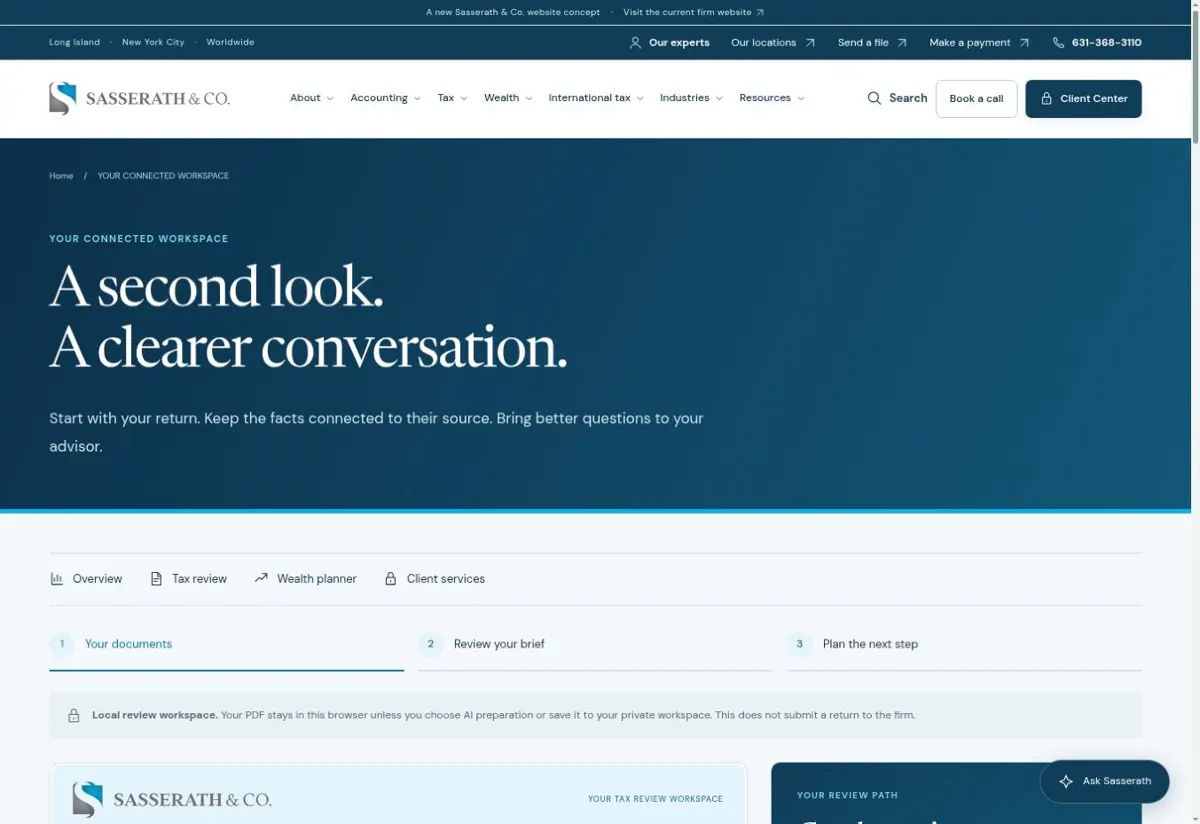
Tax return second look
Give a prospect a focused starting point for a conversation with an advisor.
Explore this screen →
Accounting and advisory firms
Help a prospect find the right advisor, prepare a tax review and move into a private client workspace.
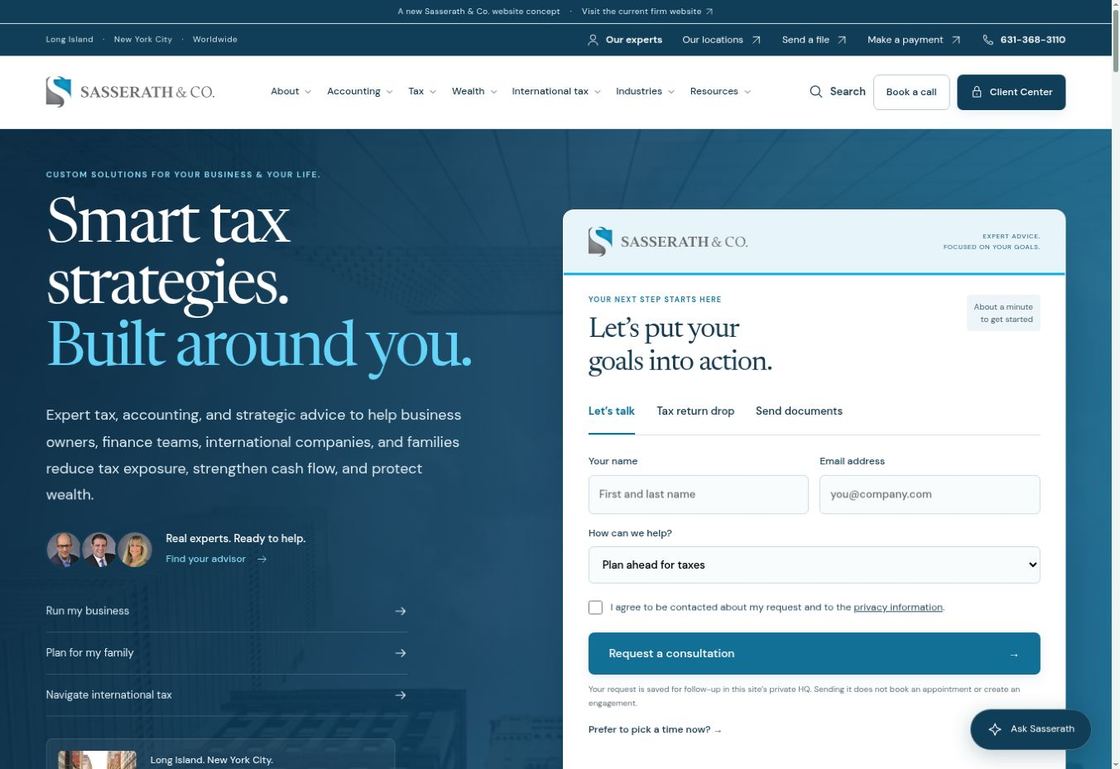
Product tour
Give a prospect a focused starting point for a conversation with an advisor.
Explore this screen →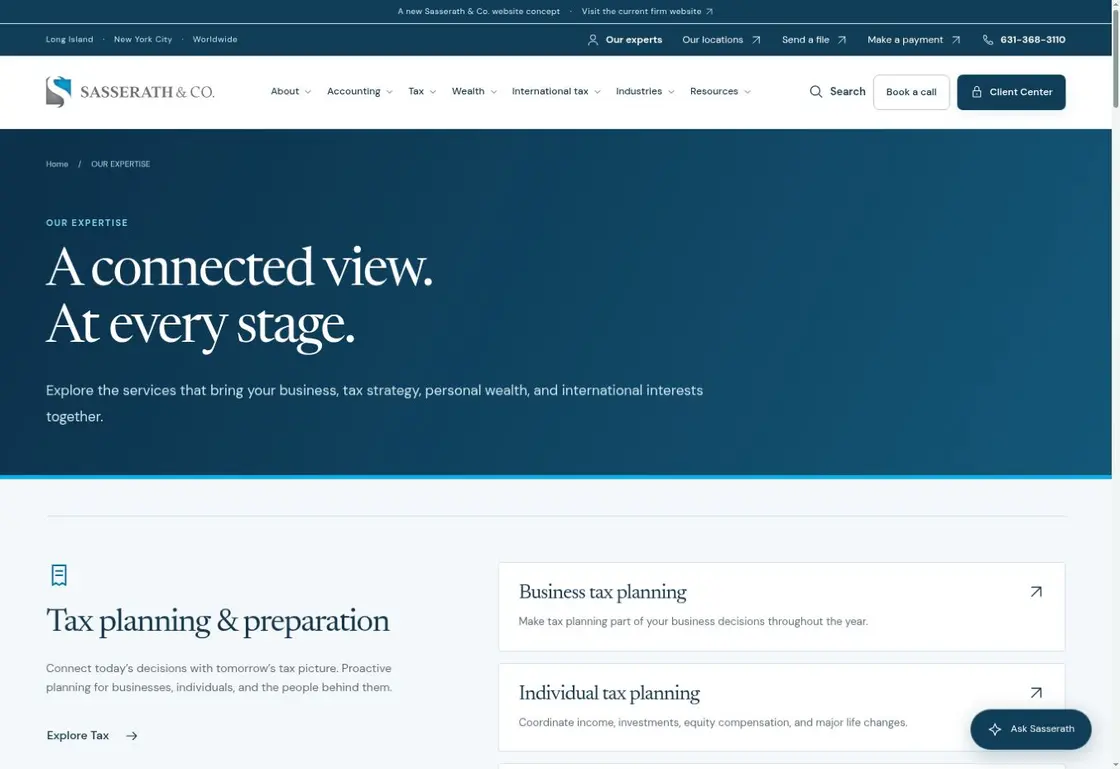
The business owner’s side
Start a private project, review the customer experience on desktop or mobile, and edit the site before launch. In HQ, you can brief specialist Commandos and review their proposed work.
When you’re ready for customers, the launch checklist below identifies the accounts and services your business needs.
See this template’s launch checklist →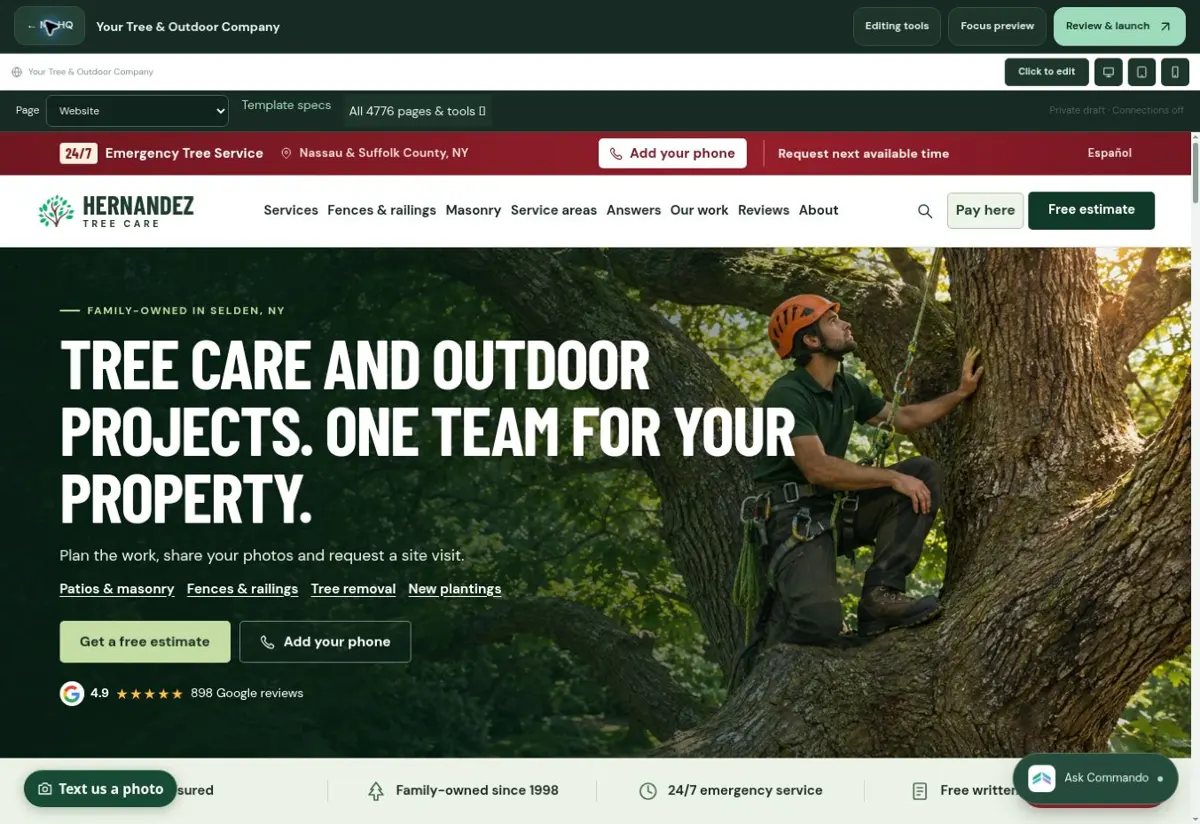
The website
Counts include distinct pages and tools in the example site. Your service area and content determine the size of your copy.
From the customer’s side
Consultation and request pages route prospective clients to the firm. Configure the scheduling destination and notifications.
A payments page provides a place for firm-approved instructions. Configure the actual payment provider and recipient.
Discovery
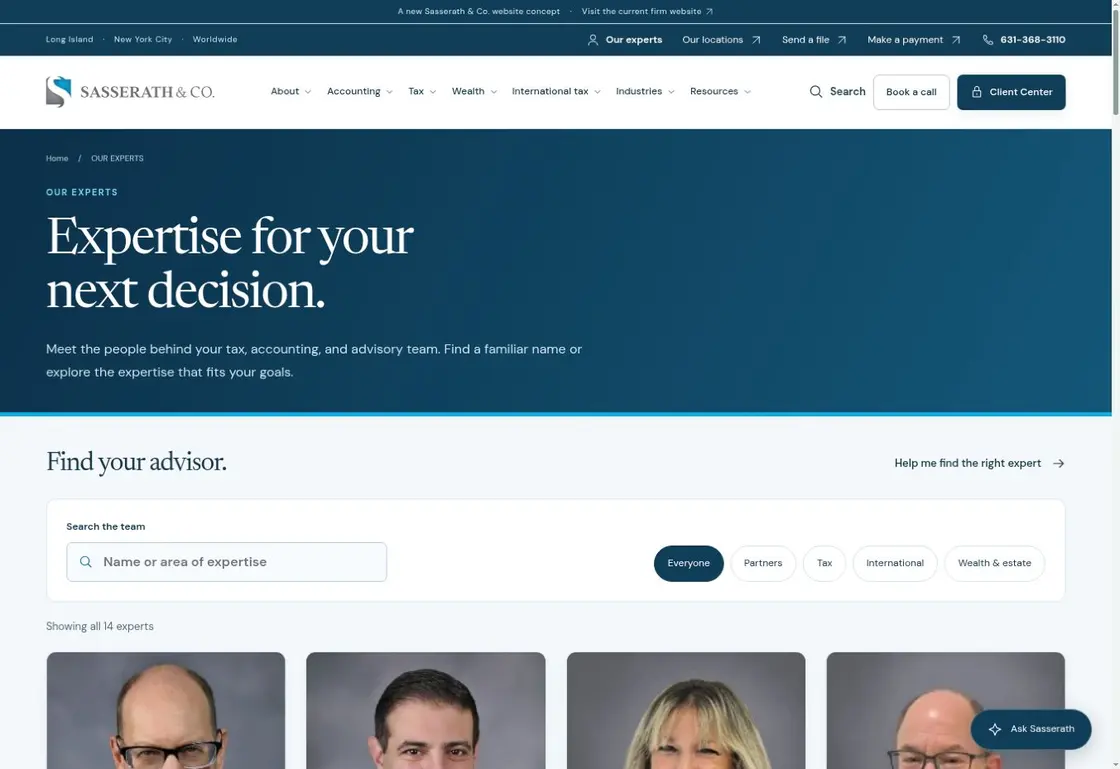
18 service pages, 14 example professional profiles and industry-specific resources offer distinct search entry points.
Tax and strategy guides explain client questions and point readers to an advisor.
Structured content, a searchable resource library, sitemap and AI discovery content describe the firm’s practice.
Before going live
The preview uses example content. Your team activates its own accounts when it launches.