Roofing, siding and exterior contractors
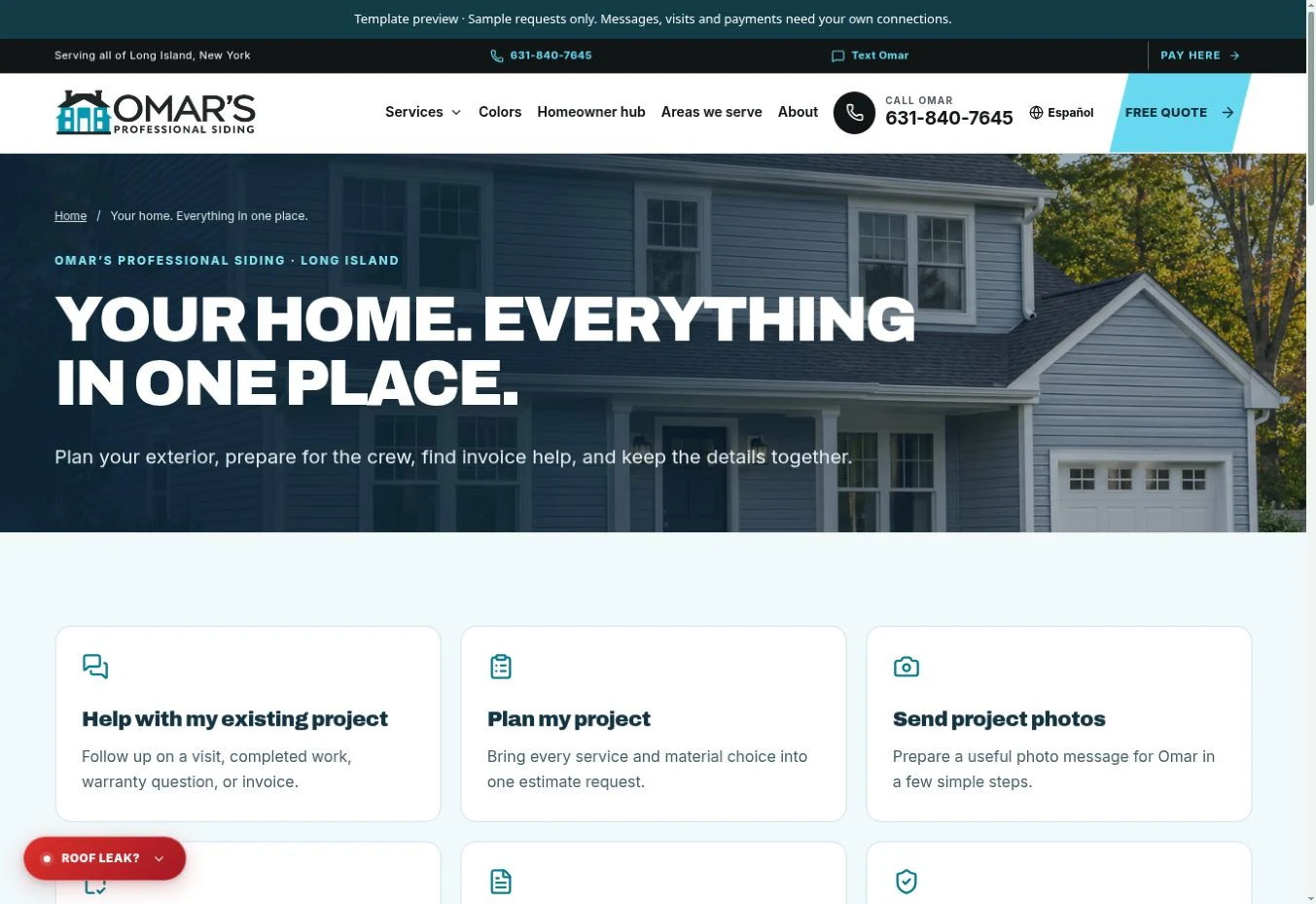
Omar’s Professional Siding
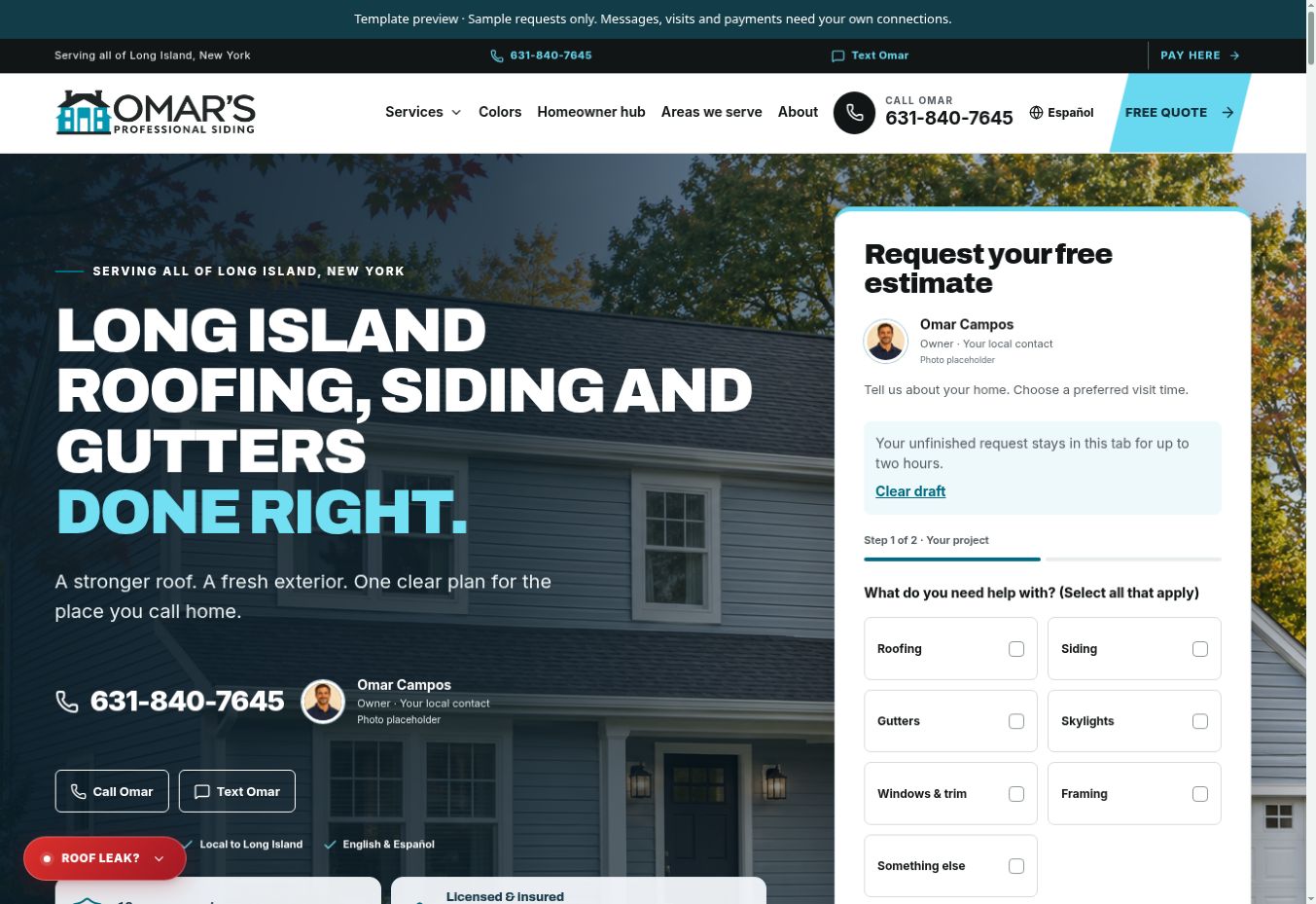
Help homeowners explore materials, build a project brief, request multiple services and follow up after installation.
- Pages in the example
- 2,522
- Featured destinations
- 14
- Editable source files
- 161
Product tour
See what your customers can do
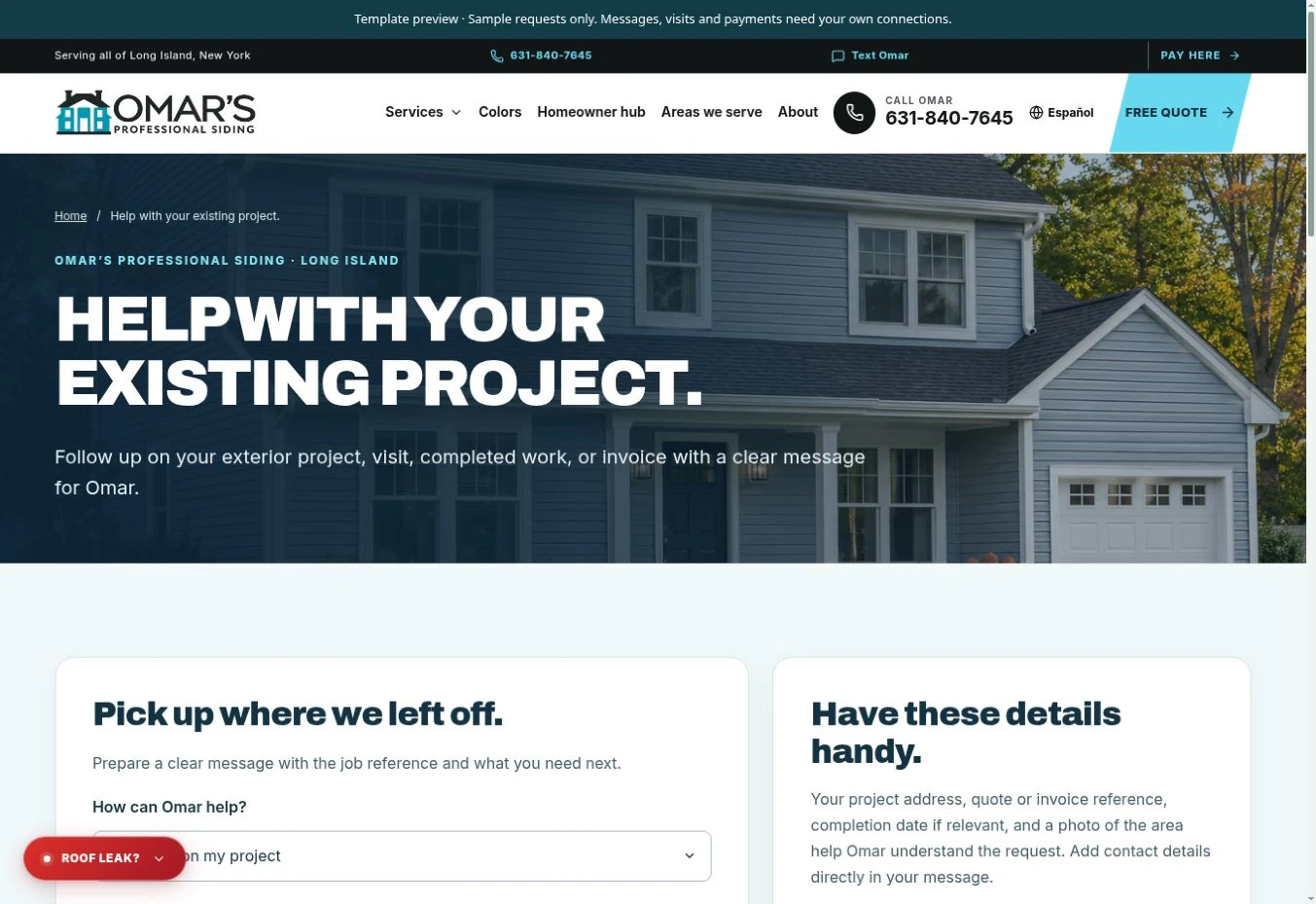
Existing customer help
Explore this screen →The business owner’s side
Your team’s HQ
Start a private project, review the customer experience on desktop or mobile, and edit the site before launch. In HQ, you can brief specialist Commandos and review their proposed work.
When you’re ready for customers, the launch checklist below identifies the accounts and services your business needs.
See this template’s launch checklist →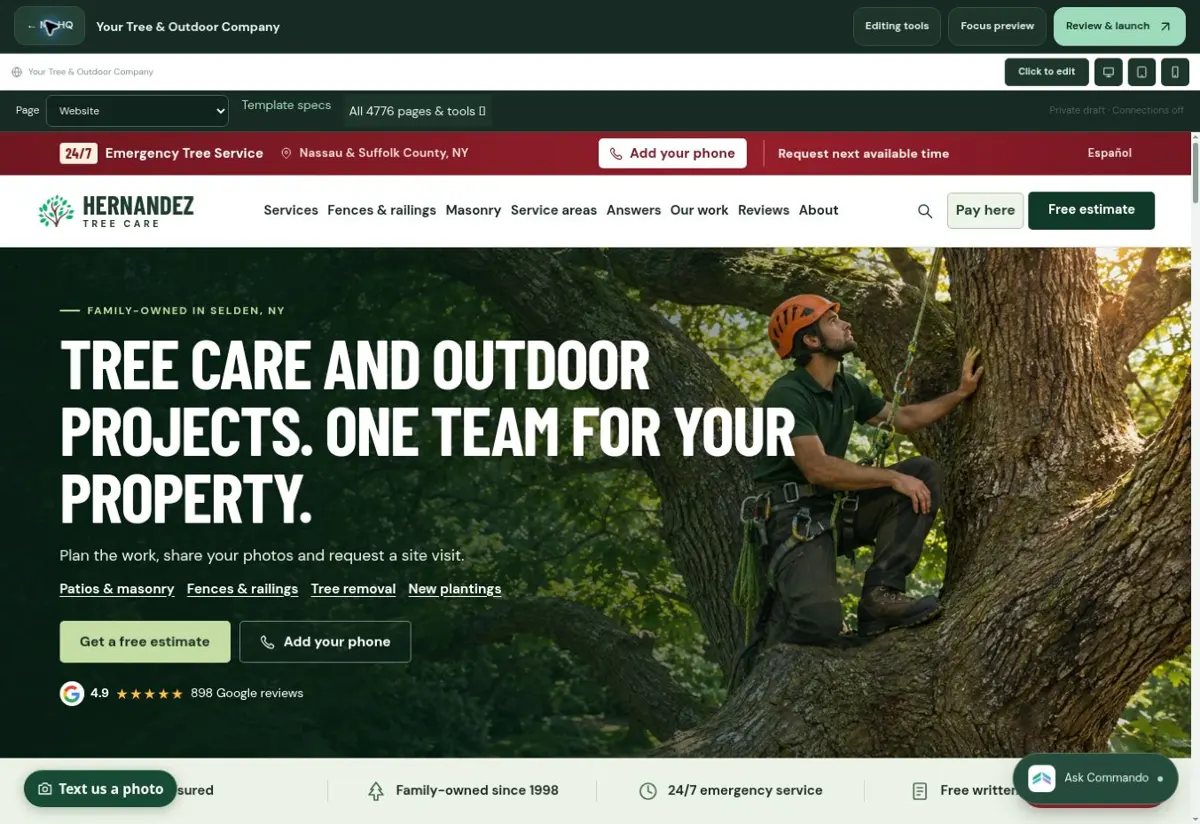
The website
What’s included
- English and Spanish service, material, guide and local pages with original contextual assets
- Roof, siding and gutter color tools, project planner and multi-service quote handoff
- Two-hour quote drafts, language-aware links, saved-request summaries and referral attribution
- Homeowner hub, preparation guidance, project walkthrough and prepared customer follow-up
- Public search and AI discovery, MCP source, private inquiry storage code and payment setup boundaries
Page count breakdown
Counts include distinct pages and tools in the example site. Your service area and content determine the size of your copy.
- es
- 1,261
- services
- 36
- guides
- 9
- brands
- 5
- siding
- 5
- Other pages and tools
- 1,206
From the customer’s side
How a visit unfolds
- Find a service in the homeowner’s town
- Explore colors and prepare a project brief
- Request one or several services
- Keep the request summary and review completed work
- Prepare follow-up or share with a neighbor
Appointments & follow-up
Customers choose services and preferred visit details. Drafts survive reloads for two hours in the same tab. The business confirms visits; a saved request alone does not notify the owner or reserve an appointment.
Invoices & payments
Invoice help and payment setup source are included. Connect the destination merchant and verify payment reconciliation before accepting funds.
Discovery
Search & AI visibility
Search engines (SEO)
Bilingual service, material, guide and community pages include canonical and sitemap source for the destination business.
Answer engines (AEO)
Repair-versus-replacement guidance, project timelines, material questions and preparation tools lead into a scoped request.
Generative engines (GEO)
Public business facts, service and town catalogs, structured data and MCP handlers give assistants factual resources and public quote links.
Before going live
What you connect
- Replace business identity, owner images, contacts, license records, warranty terms and geographic claims with verified destination facts.
- Provision a separate private quote store and test owner access and lead delivery. Saving an inquiry is not notification or booking.
- Connect and test the destination merchant, office email/SMS and calendar before enabling live claims.
- Use authorized assets and manufacturer data; review both languages, all routes and private-record isolation before launch.
The preview uses example content. Your team activates its own accounts when it launches.