
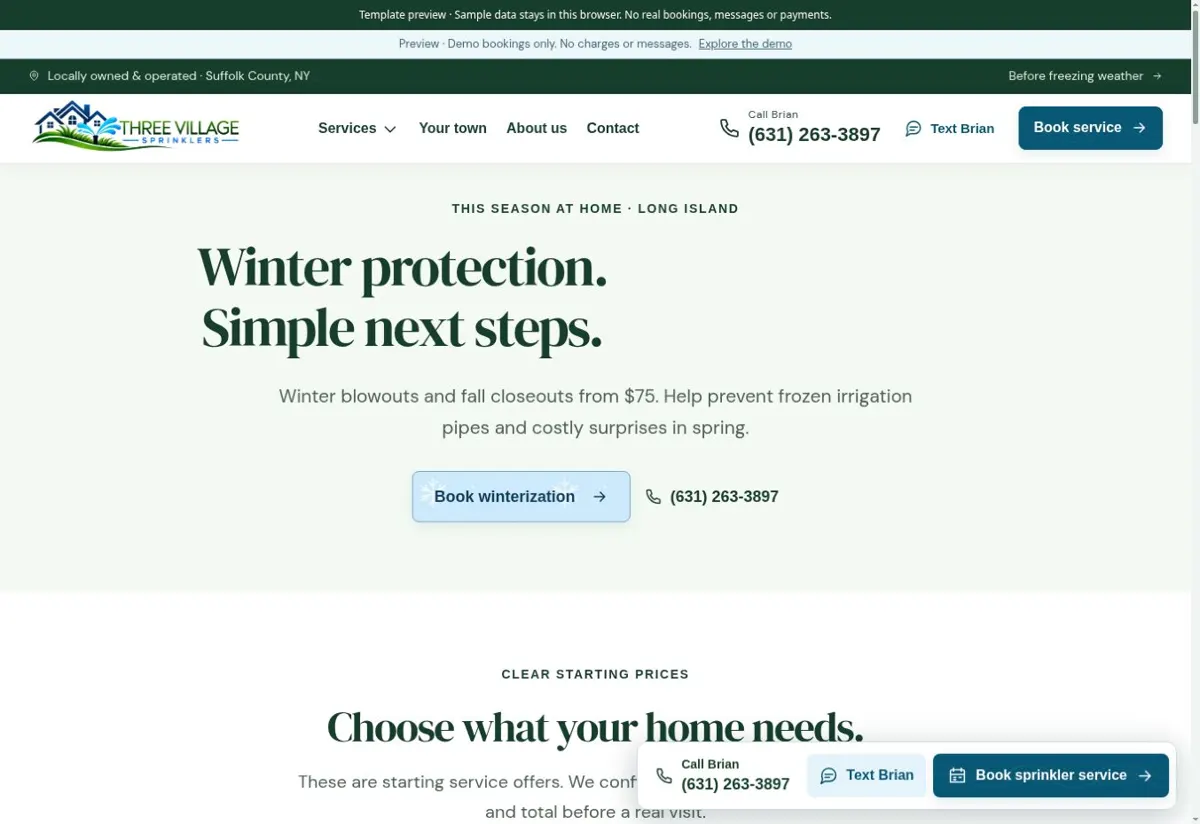
Irrigation and sprinkler service companies
Mulcare Irrigation
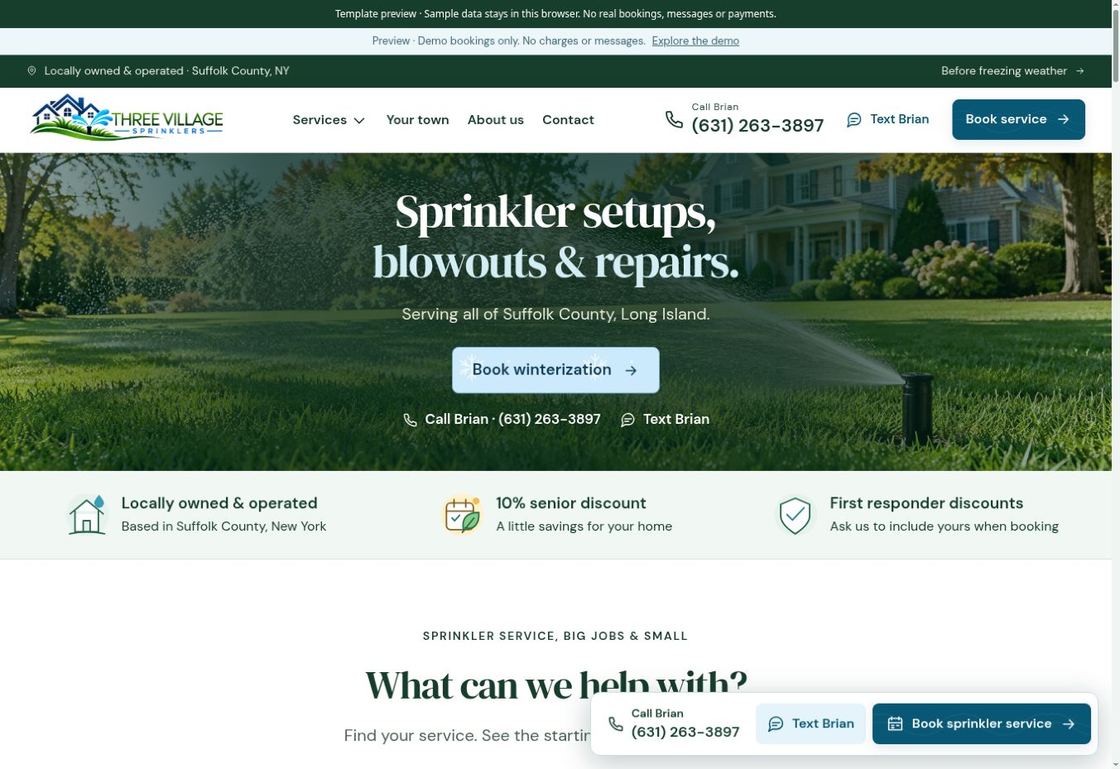
Make seasonal maintenance easy to find and turn a homeowner’s sprinkler problem into a service request.
- Pages in the example
- 56
- Featured destinations
- 10
- Editable source files
- 78
Product tour
See what your customers can do
The business owner’s side
Your team’s HQ
Start a private project, review the customer experience on desktop or mobile, and edit the site before launch. In HQ, you can brief specialist Commandos and review their proposed work.
When you’re ready for customers, the launch checklist below identifies the accounts and services your business needs.
See this template’s launch checklist →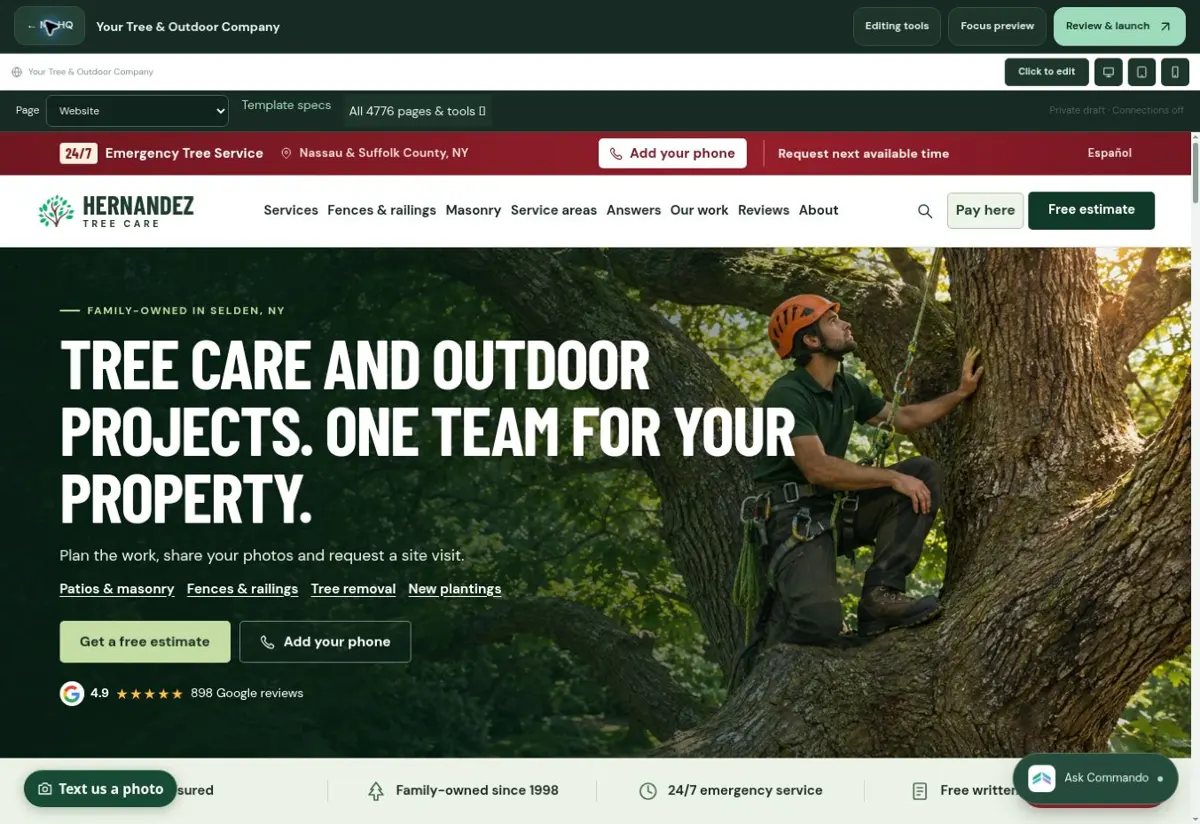
The website
What’s included
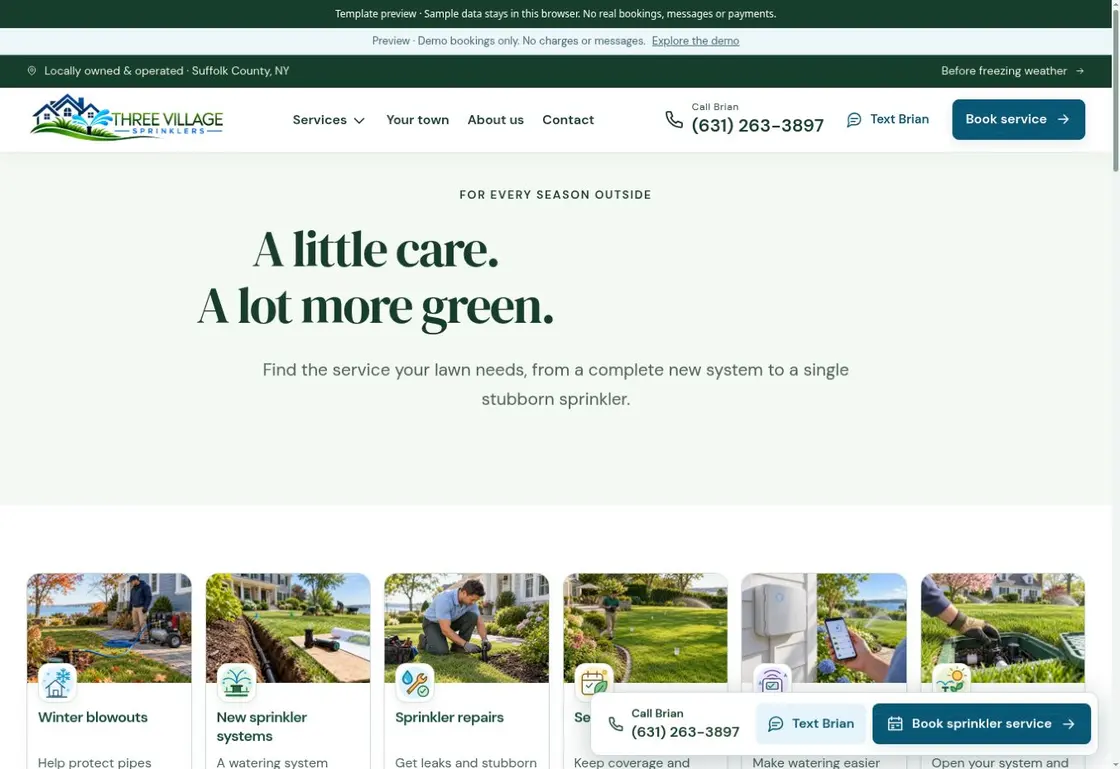
- Complete irrigation website with original photography, six service categories and local community pages
- Seasonal offers, sprinkler troubleshooting, homeowner guides and service-area directory
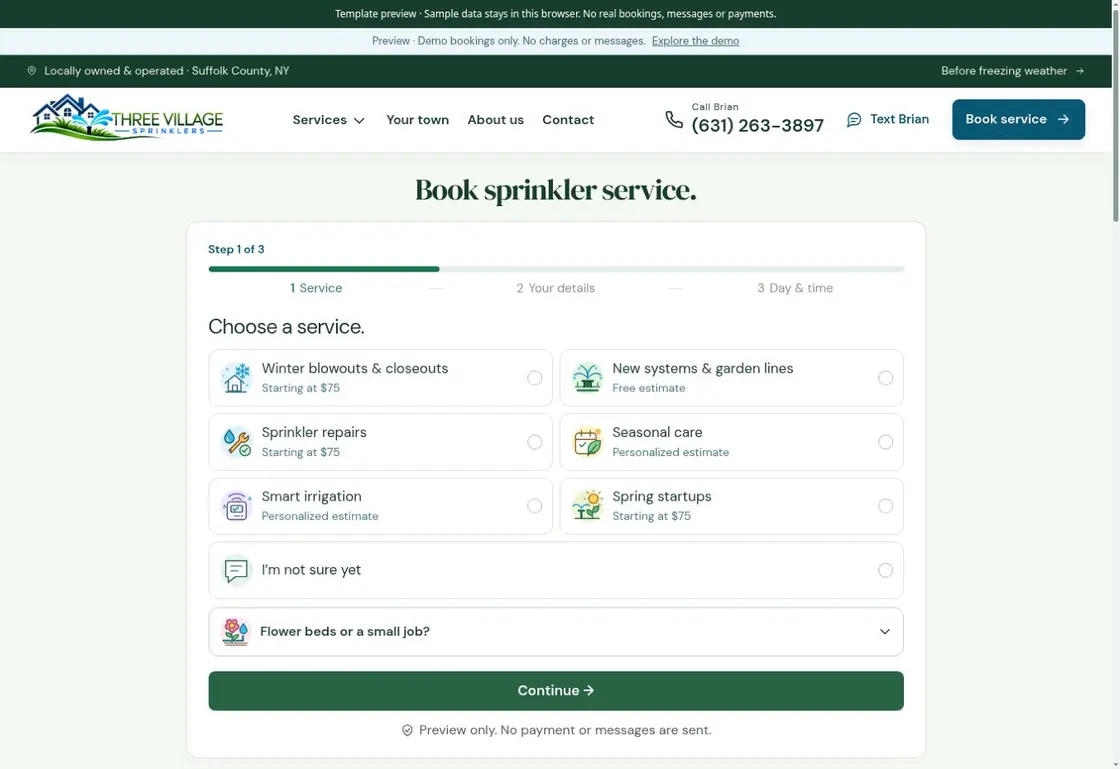
- Browser-only booking and customer portal demonstration with sample appointment times
- Contractor workspace with sample jobs, customers, scheduling, estimates, plans, reports and follow-up tasks
- Original backend handlers, database migrations, payment webhook and verification tests
Page count breakdown
Counts include distinct pages and tools in the example site. Your service area and content determine the size of your copy.
- service areas
- 19
- resources
- 14
- services
- 7
- admin
- 2
- Other pages and tools
- 14
From the customer’s side
How a visit unfolds
- Identify a sprinkler problem
- Review the seasonal service
- Choose a sample visit time
- Follow the job in the customer portal
Appointments & follow-up
Booking includes sample appointment times and portal views. Connect real capacity and customer accounts before accepting appointments.
Invoices & payments
The source includes a payment webhook and contractor estimates. Live billing requires your merchant and backend setup.
Discovery
Search & AI visibility
Search engines (SEO)
Community pages, six service categories and seasonal resources cover local sprinkler searches.
Answer engines (AEO)
Troubleshooting pages and homeowner checklists explain common symptoms and maintenance tasks.
Generative engines (GEO)
The public service-area and seasonal libraries describe the territory, equipment and work offered.
Before going live
What you connect
- Replace the example branding, contact information, service areas, pricing and business claims
- Provision separate customer storage, authentication and staff access
- Connect real appointment availability, payments, email and text delivery
- Review service agreements, seasonal offers and homeowner content
- Verify the complete customer and staff flows before accepting live requests
The preview uses example content. Your team activates its own accounts when it launches.