Commando HQ

Residential cash buyers

Homeward Cash Buyers

Guide a seller from comparing proceeds to requesting an offer, with a place for your team to manage the conversation.
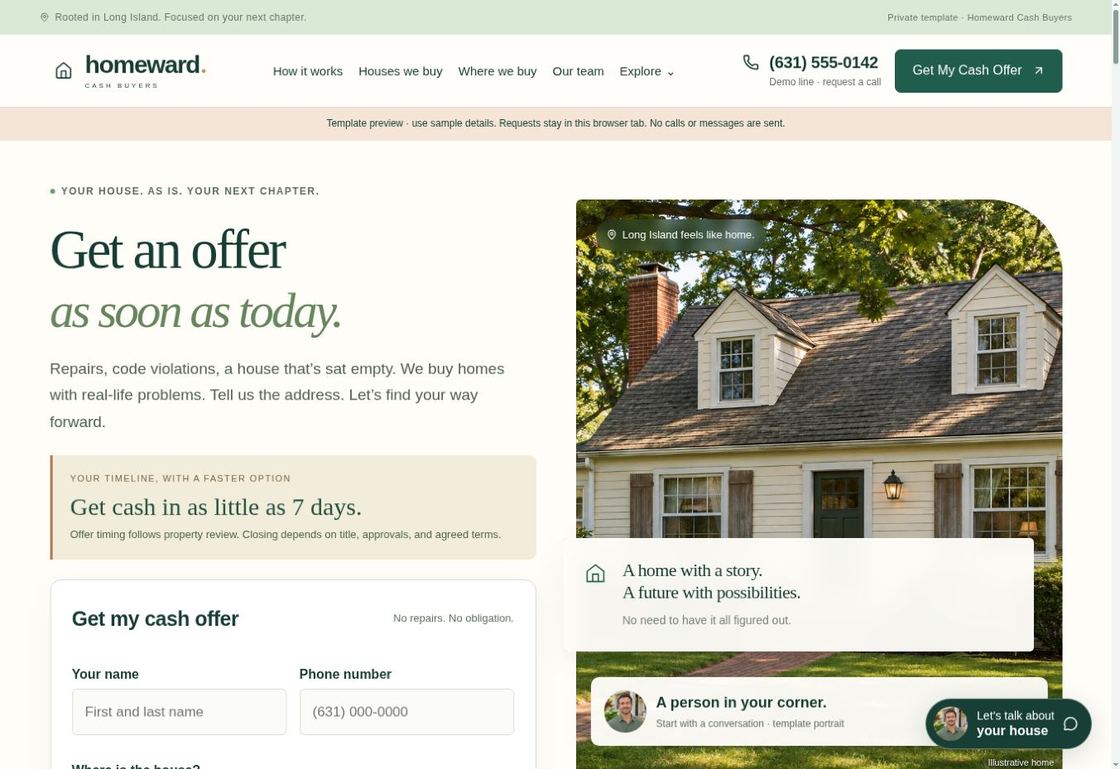
Homepage preview
Homeward Cash Buyers homepage
Pages in the example
103
Featured destinations
16
Editable source files
205

Product tour

See what your customers can do

Explore 16 featured destinations

The business owner’s side

Your team’s HQ

Start a private project, review the customer experience on desktop or mobile, and edit the site before launch. In HQ, you can brief specialist Commandos and review their proposed work.

When you’re ready for customers, the launch checklist below identifies the accounts and services your business needs.

See this template’s launch checklist →
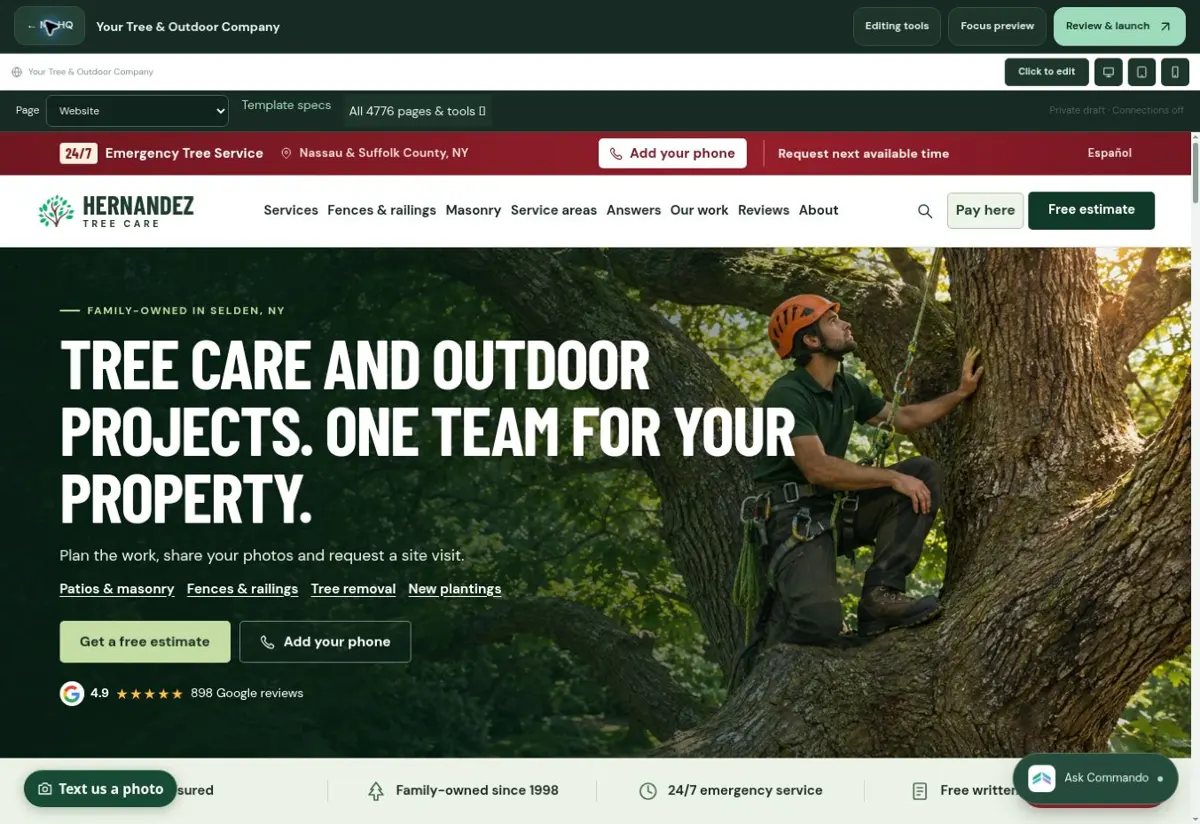
A private Hernandez project open in the Commando HQ site editor
The project editor, shown with a sample tree care business.

The website

What’s included

  • Complete 103-page site with original React frontend and server/API source
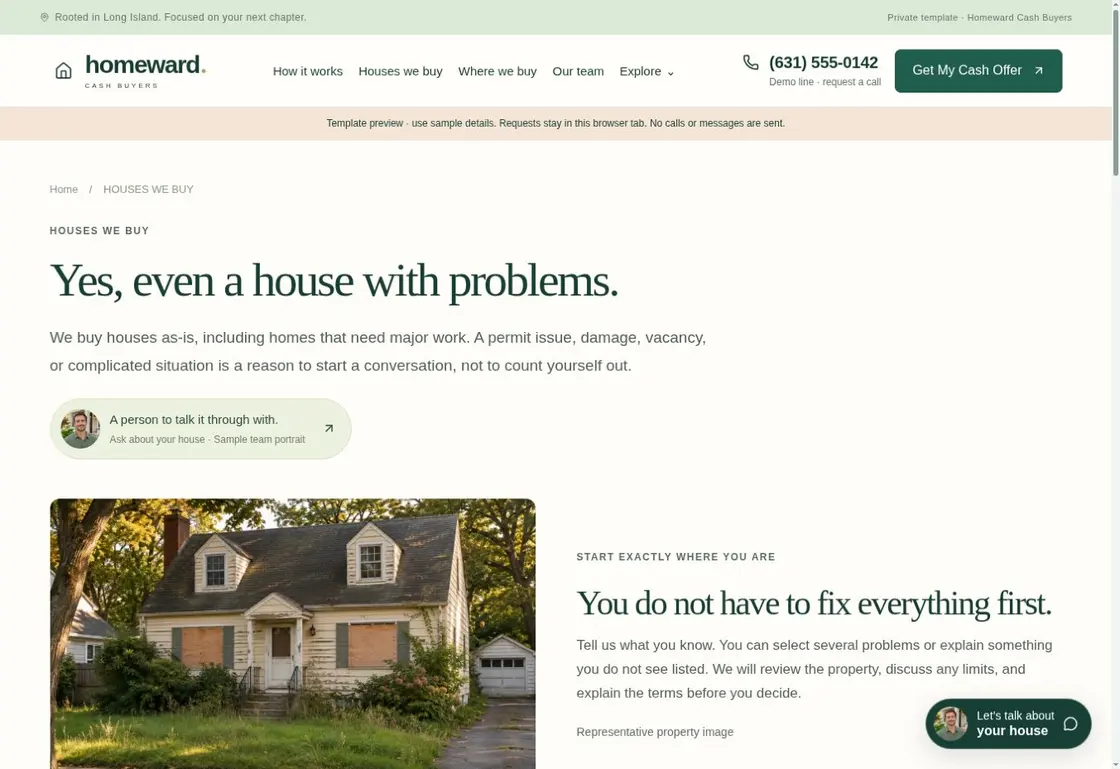
  • Name, phone and address intake with 48 optional property issues
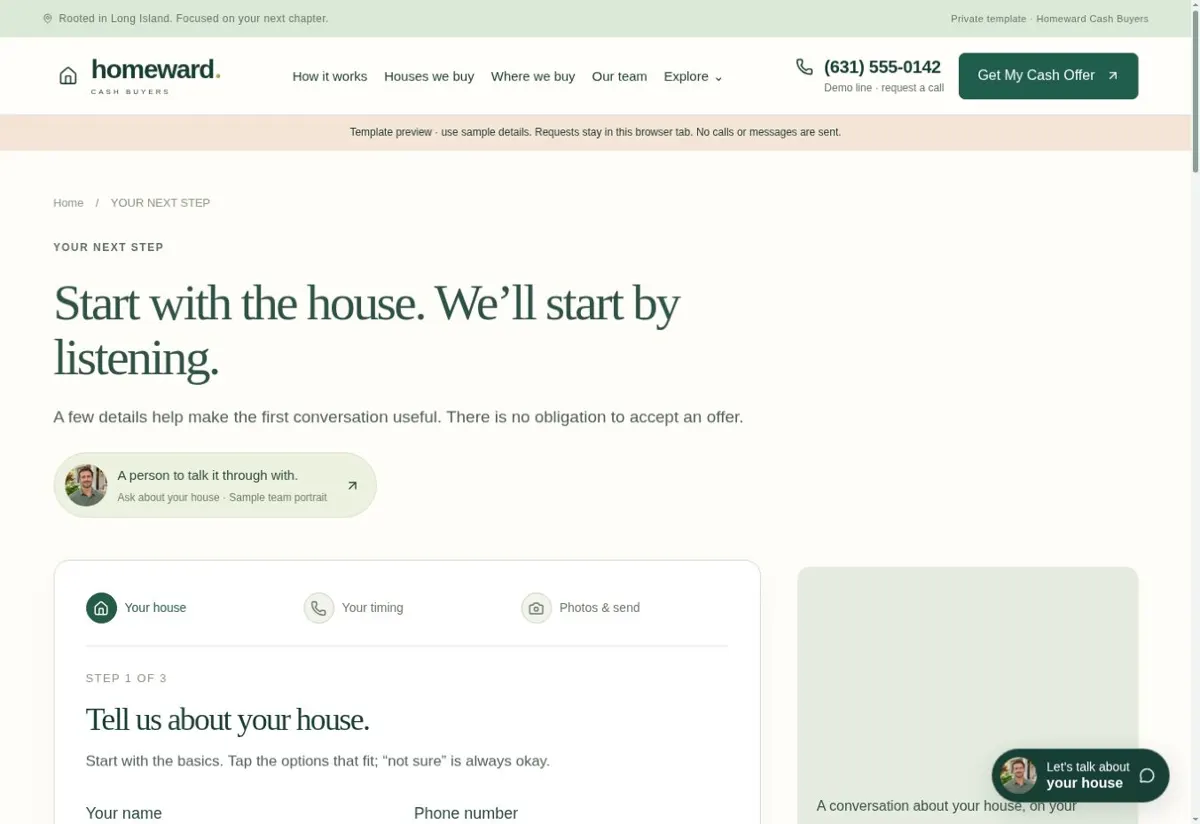
  • Accessible multiple-choice intake, private photo uploads, and preferred call / property visit windows
  • Eight condition guides and six seller situation guides
  • Faces across the site, four team profiles, contextual photos, smooth reduced-motion-aware animation
  • Large three-step process and qualified same-day offer / seven-day closing message
  • 15 video-ready answers, 50 sourced glossary terms, and optional verified media placements
  • Nassau and Suffolk map, all 13 towns and two cities, plus 292 searchable communities
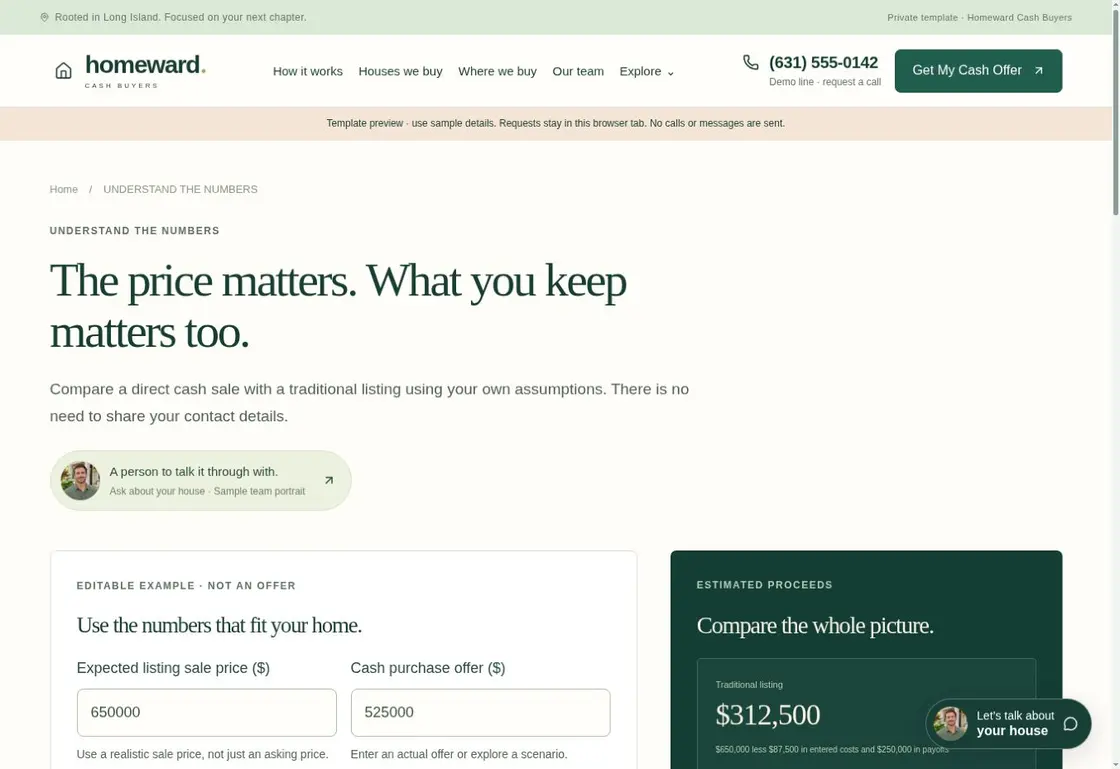
  • Cash-sale vs. listing proceeds calculator and contact preference controls
  • Local preview inquiries, buyer pipeline and seller workspace
  • Production validation, D1 schema/migration and test suite
Page count breakdown

Counts include distinct pages and tools in the example site. Your service area and content determine the size of your copy.

glossary
51
answers
15
property problems
9
situations
7
team
5
Other pages and tools
16

From the customer’s side

How a visit unfolds

  1. Explore the local buying process
  2. Compare cash-sale and listing proceeds
  3. Request a cash offer
  4. Coordinate a property visit

Appointments & follow-up

The offer request collects preferred call or property-visit windows. Your acquisitions team confirms the appointment.

Invoices & payments

The seller compares proceeds and requests an offer. Settlement and fund transfer happen outside the template.

Discovery

Search & AI visibility

Search engines (SEO)

Local area pages, property-condition guides and seller-situation pages match location and property searches.

Answer engines (AEO)

FAQs, glossary terms and seller guides explain the cash-sale process and offer preparation.

Generative engines (GEO)

The area directory and public seller resources describe the example territory and buying process in detail.

Before going live

What you connect

  • Replace demo phone, portrait, identity, service geography and purchase claims
  • Replace sample team profiles; add owned videos and verified media via the setup/export screen
  • Provision a new database and configure staff authorization and public intake
  • Connect verified calls, text, email and scheduling with explicit contact preferences
  • Verify real business details and testimonials; keep illustrative images labelled
  • Set the final domain and review indexing, privacy, purchase terms and data retention

The preview uses example content. Your team activates its own accounts when it launches.

Use this templateBrowse all templates