Commando HQ

Real estate lenders and broker teams

Home Town Lending

Help investors size a deal before they submit it, and give brokers a dedicated path for their clients.

Homepage preview
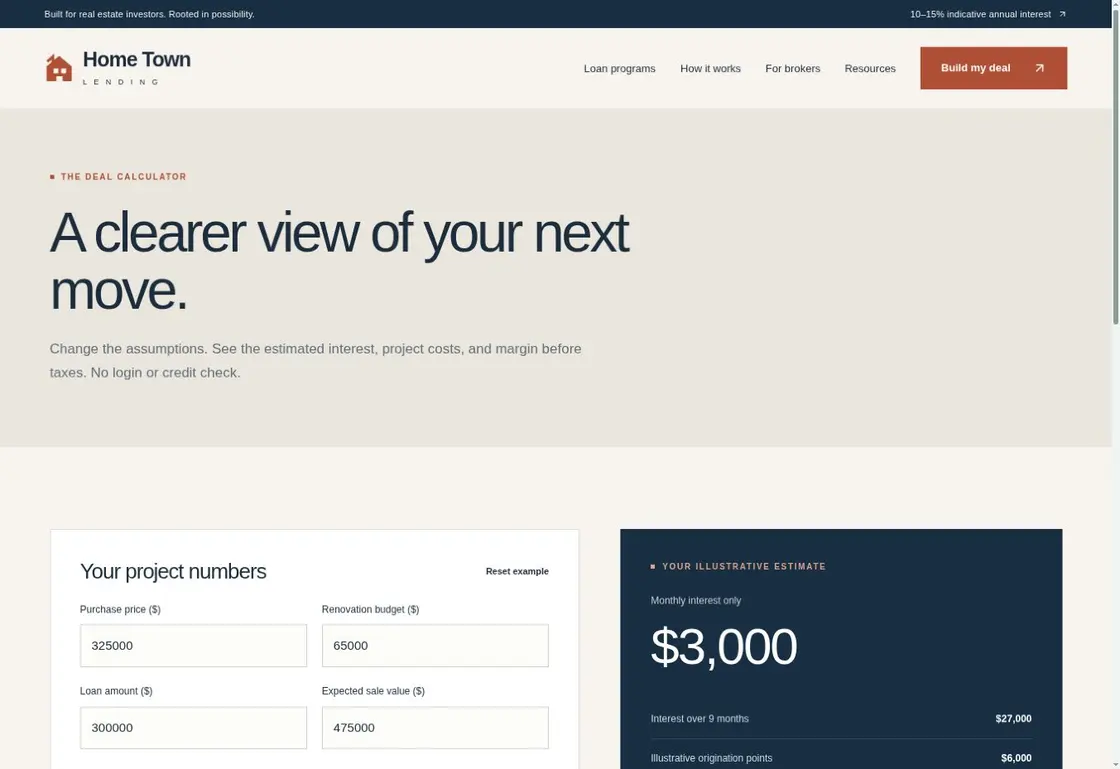
Home Town Lending homepage
Pages in the example
25
Featured destinations
9
Editable source files
10

Product tour

See what your customers can do

Explore 9 featured destinations

The business owner’s side

Your team’s HQ

Start a private project, review the customer experience on desktop or mobile, and edit the site before launch. In HQ, you can brief specialist Commandos and review their proposed work.

When you’re ready for customers, the launch checklist below identifies the accounts and services your business needs.

See this template’s launch checklist →
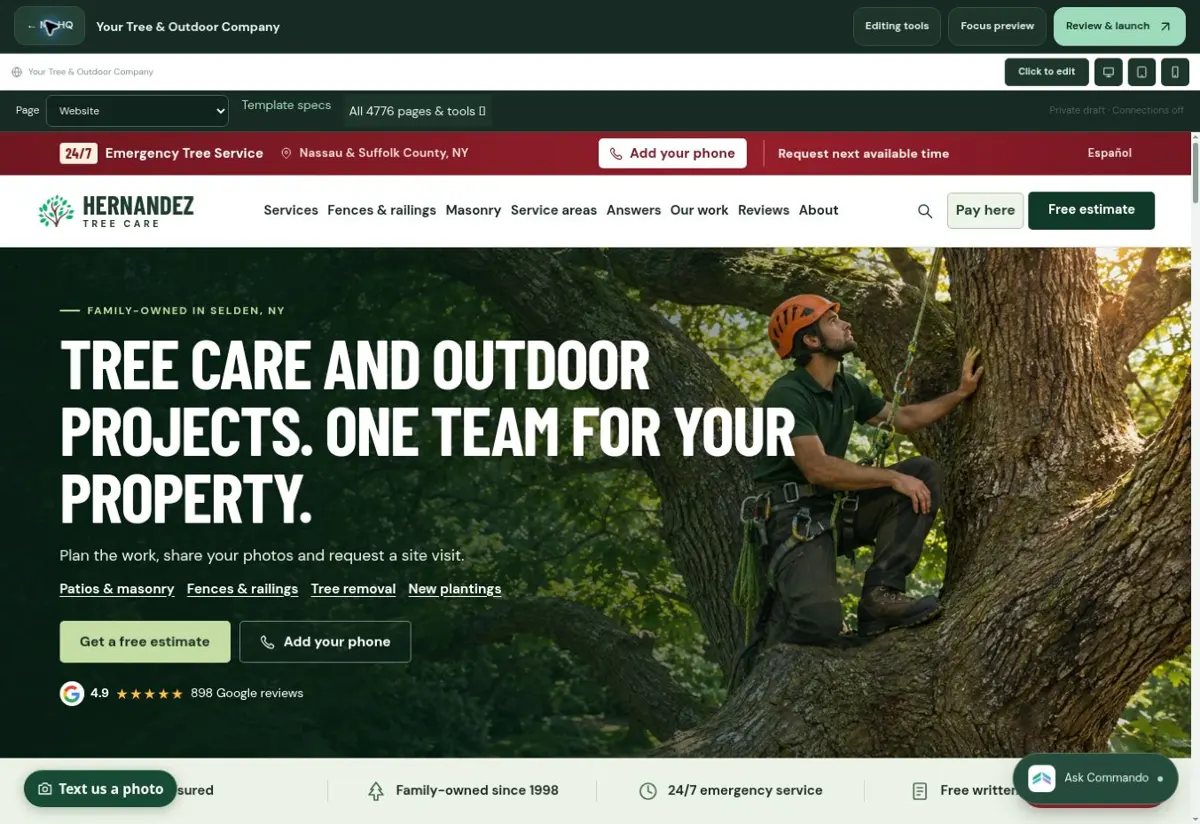
A private Hernandez project open in the Commando HQ site editor
The project editor, shown with a sample tree care business.

The website

What’s included

  • 25 fully browsable pages with a distinct navy, terracotta and ivory identity
  • Four real estate lending programs and six property-type detail pages
  • Editable 10–15% indicative annual interest positioning with clear disclosures
  • Interactive interest, project-cost and estimated-margin calculator
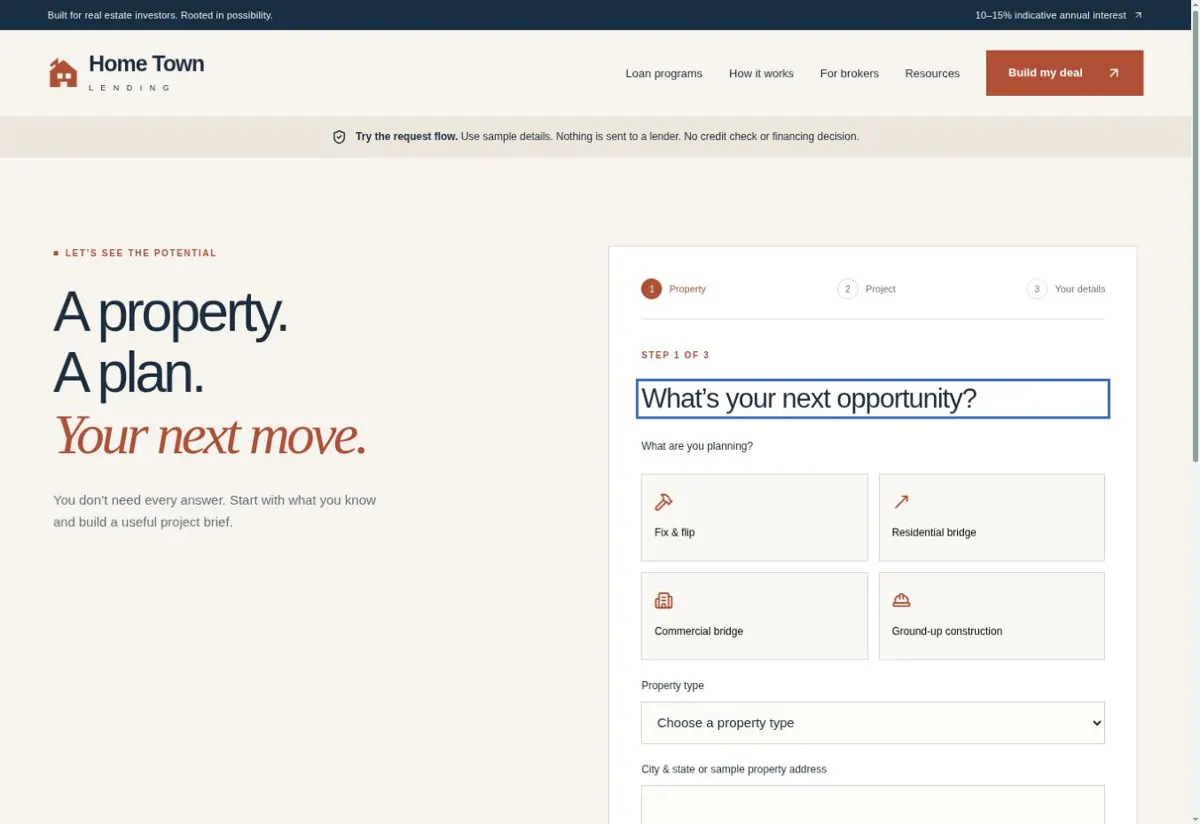
  • Three-step property-first intake with local drafts and downloadable project briefs
  • Broker inquiry preview, three educational guides, FAQ and source documentation
  • Original editable React source, validation logic, calculator tests and an explicitly inactive API placeholder
Page count breakdown

Counts include distinct pages and tools in the example site. Your service area and content determine the size of your copy.

properties
7
programs
5
insights
4
Other pages and tools
9

From the customer’s side

How a visit unfolds

  1. Choose a loan program
  2. Model a deal in the calculator
  3. Prepare the property and financing brief
  4. Request lender review

Appointments & follow-up

The application captures a deal for lender review. A loan officer coordinates follow-up.

Invoices & payments

The deal calculator estimates financing. Borrower billing and repayment are separate servicing functions.

Discovery

Search & AI visibility

Search engines (SEO)

Loan programs, property types and investor insights organize the lending site by borrower intent.

Answer engines (AEO)

The FAQ and investor checklists explain terms, underwriting inputs and next steps.

Generative engines (GEO)

Program descriptions and the lending process give assistants public context about the lender’s examples and scope.

Before going live

What you connect

  • Replace the example brand with the customer’s legal entity and approved lending details
  • Confirm licensing, geographic availability, program eligibility, pricing, fees and disclosures
  • Connect private request storage, staff permissions, notification delivery and retention
  • Configure secure document collection, scheduling and lender review workflows
  • Review all claims and test live submissions; no credit pulls, approval or funding occurs in the preview

The preview uses example content. Your team activates its own accounts when it launches.

Use this templateBrowse all templates