Commando HQ

Heating and cooling contractors

Freezing Cold HVAC & Heating

Help homeowners choose between service and replacement, prepare a request and follow the project in a homeowner hub.
Homepage preview
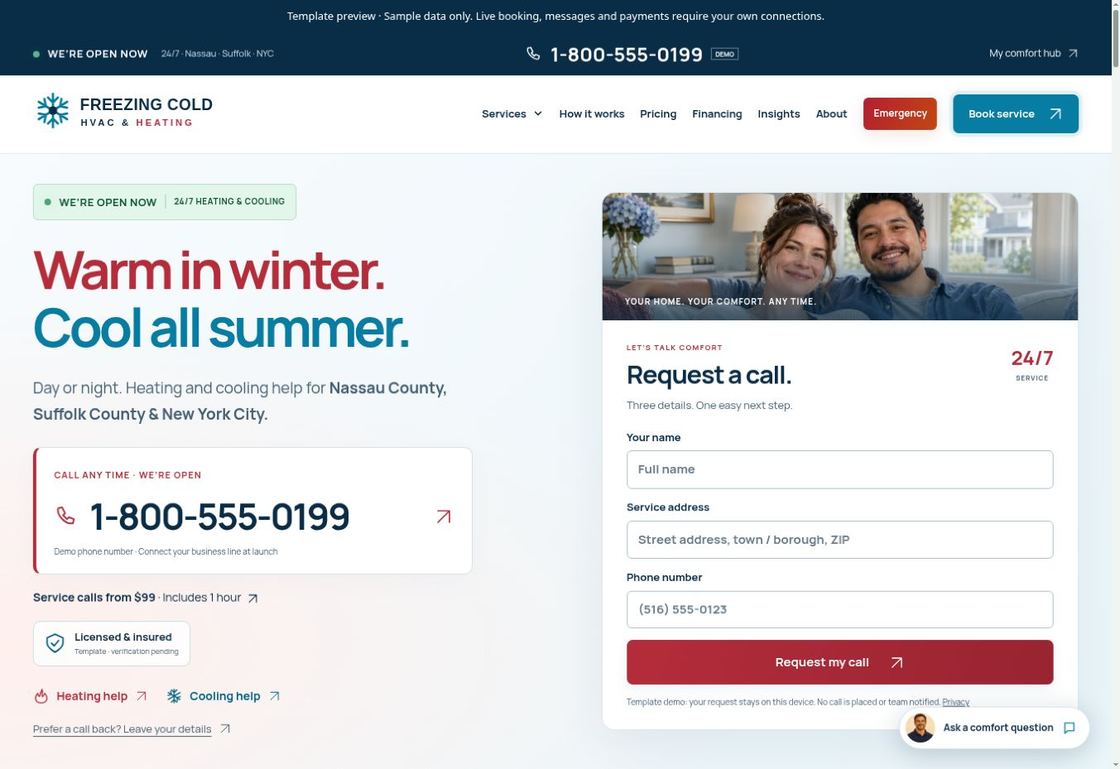
Freezing Cold HVAC & Heating homepage
Pages in the example
124
Featured destinations
11
Editable source files
68

Product tour

See what your customers can do

Explore 11 featured destinations

The business owner’s side

Your team’s HQ

Start a private project, review the customer experience on desktop or mobile, and edit the site before launch. In HQ, you can brief specialist Commandos and review their proposed work.

When you’re ready for customers, the launch checklist below identifies the accounts and services your business needs.

See this template’s launch checklist →
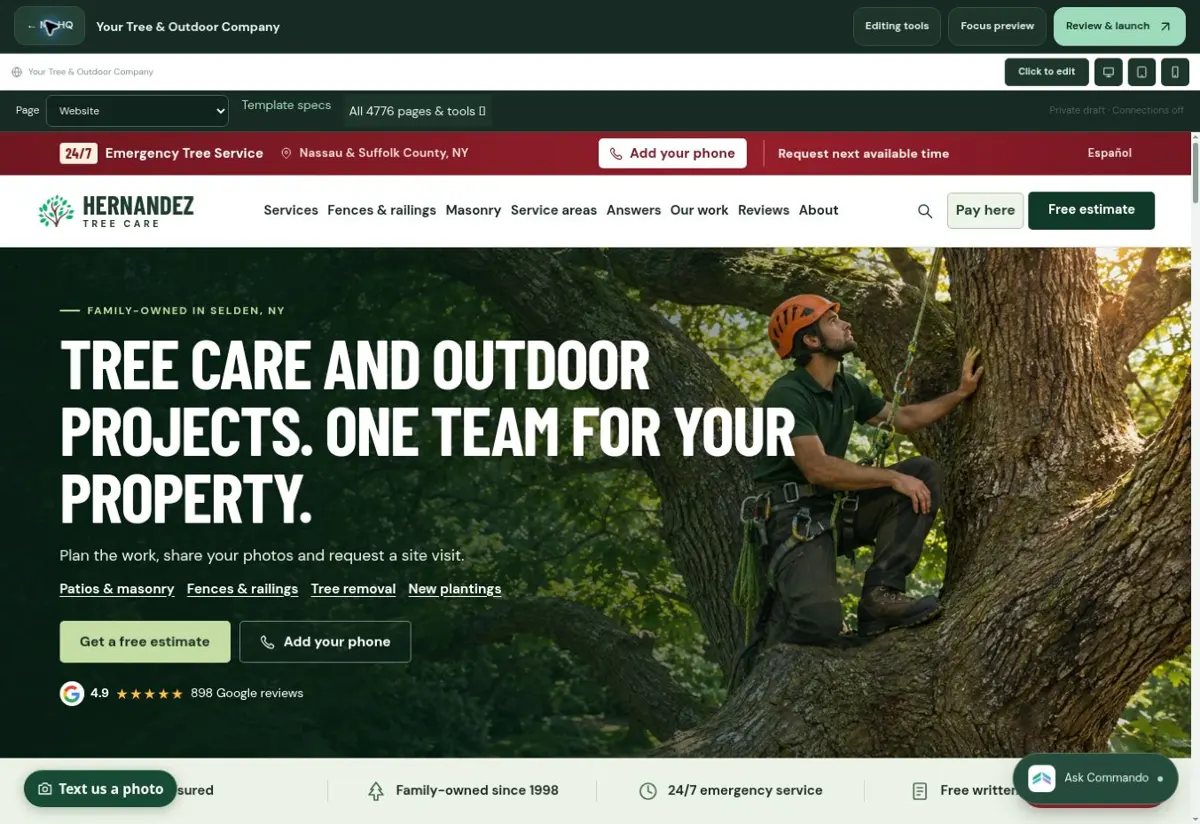
A private Hernandez project open in the Commando HQ site editor
The project editor, shown with a sample tree care business.

The website

What’s included

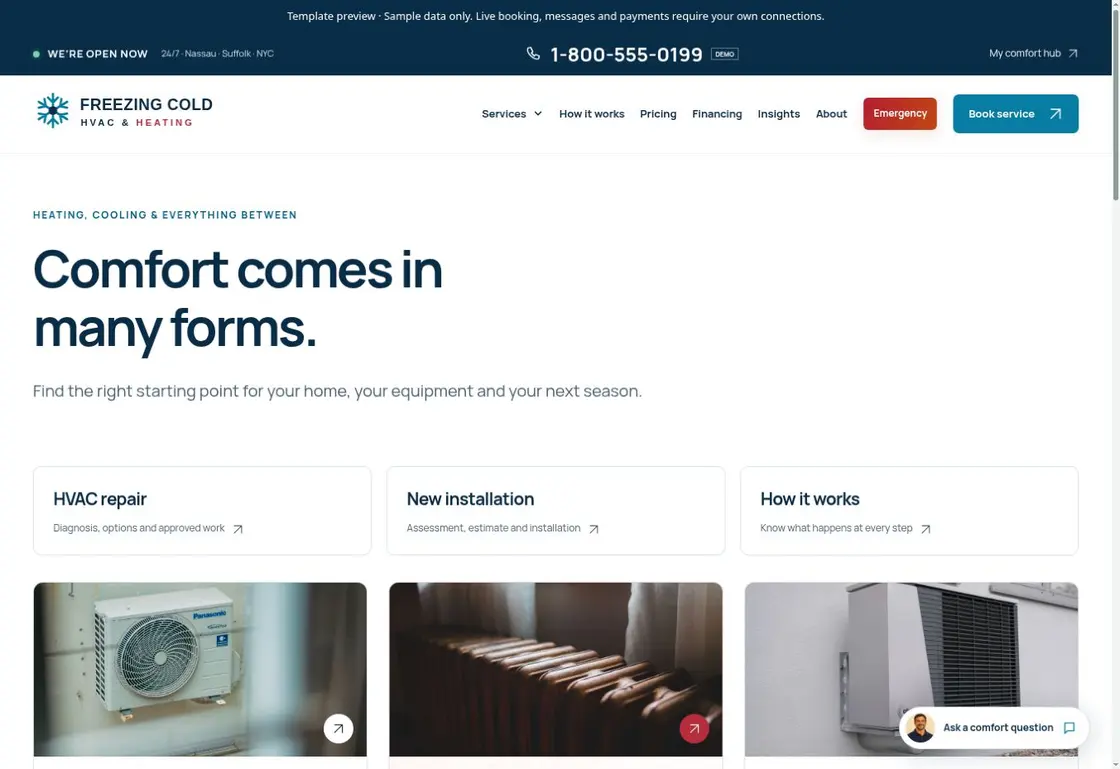
  • Complete public HVAC website with original photography, service pages and local area content
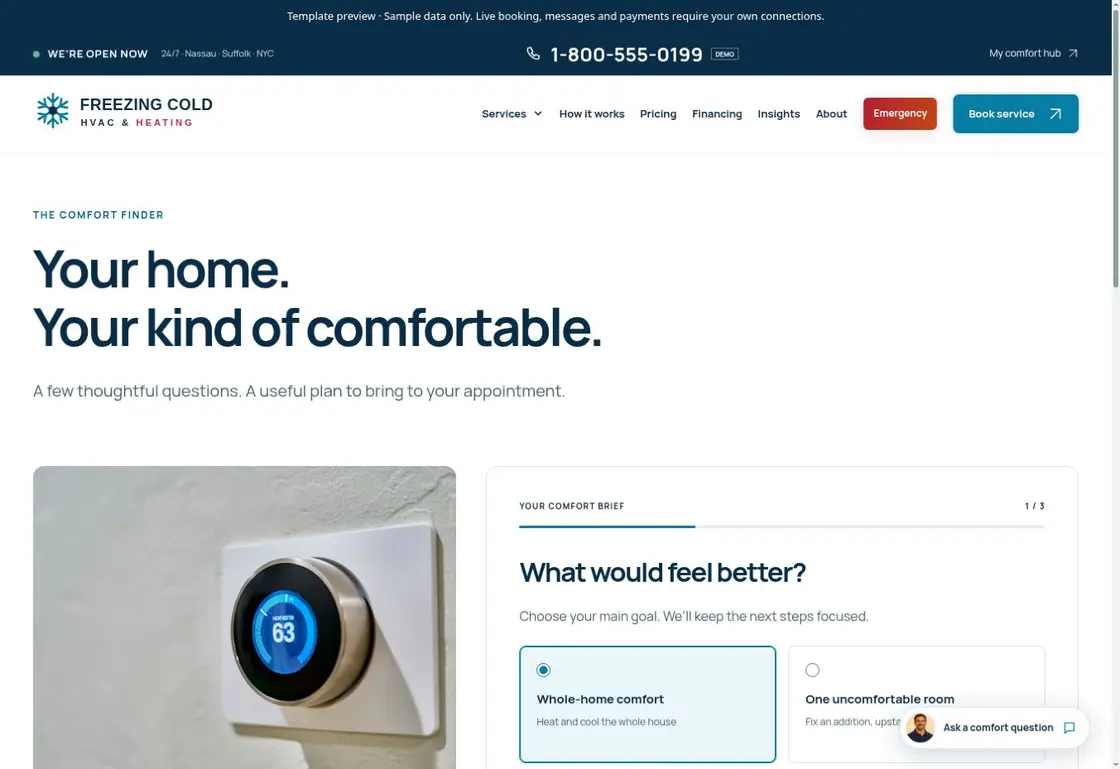
  • Repair and installation journeys, booking preview and system planner
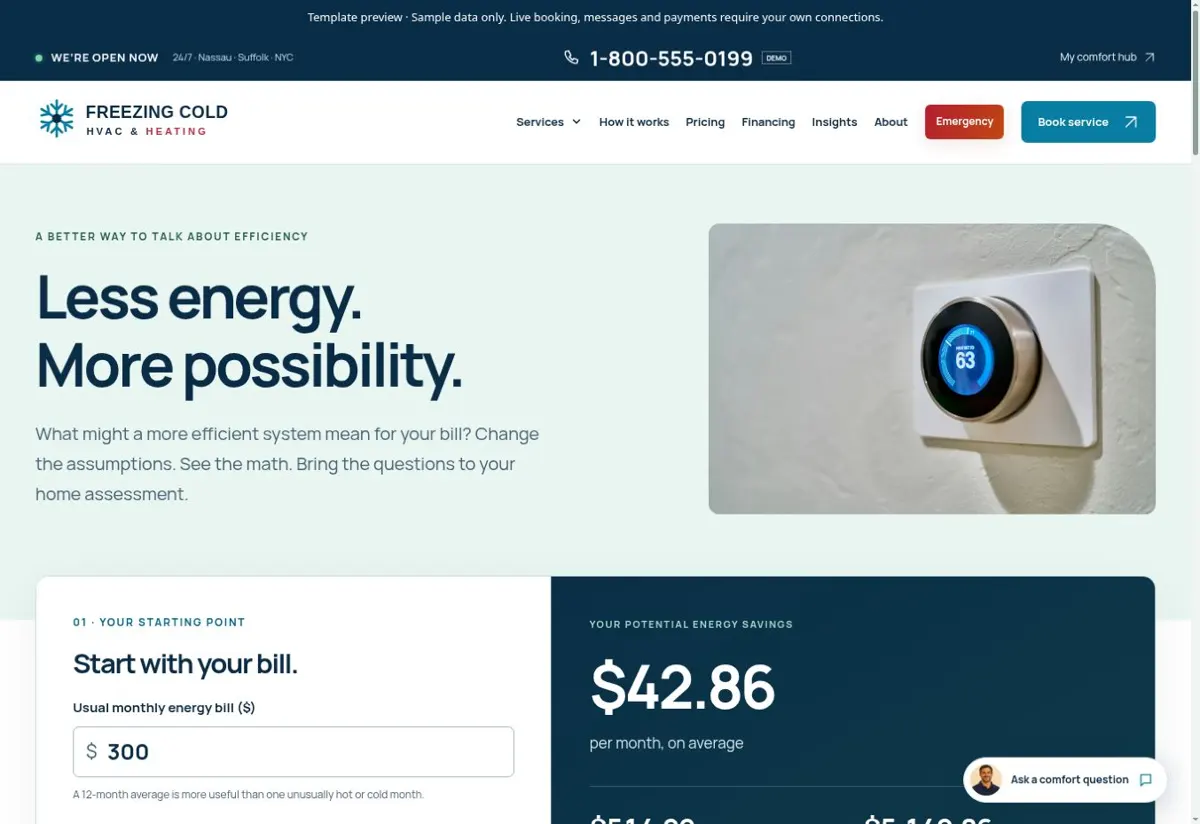
  • Energy-savings and financing calculators, pricing, FAQs and homeowner guides
  • Downloadable service request, repair, installation, change-order and completion forms
  • Company project workspace with sample estimates, document preparation and invoice drafts
  • Owner operations preview and homeowner portal interfaces
  • Original backend handlers, database schema, migrations and verification scripts
Page count breakdown

Counts include distinct pages and tools in the example site. Your service area and content determine the size of your copy.

service areas
33
services
12
problems
10
learn
9
projects
9
Other pages and tools
51

From the customer’s side

How a visit unfolds

  1. Choose repair or installation
  2. Use the system planner or energy calculator
  3. Request service
  4. Review the project and invoice draft

Appointments & follow-up

Service booking and system planning are included. Connect office capacity and notifications for confirmed appointments.

Invoices & payments

The company workspace includes estimates and invoice drafts. Merchant processing and live payments require activation.

Discovery

Search & AI visibility

Search engines (SEO)

Dedicated heating, cooling and service-area pages match common repair and installation searches.

Answer engines (AEO)

FAQs, homeowner guides and pricing explanations answer questions before a service request.

Generative engines (GEO)

Public equipment, service and area descriptions give assistants context about the work and territory.

Before going live

What you connect

  • Replace the example brand, phone, service area, team, credentials and claims
  • Create separate authenticated customer storage and staff permissions
  • Configure real appointment capacity, email, messaging and payment services
  • Review service pricing, contracts, financing information and equipment claims
  • Test customer isolation and end-to-end requests before enabling live submissions

The preview uses example content. Your team activates its own accounts when it launches.

Use this templateBrowse all templates