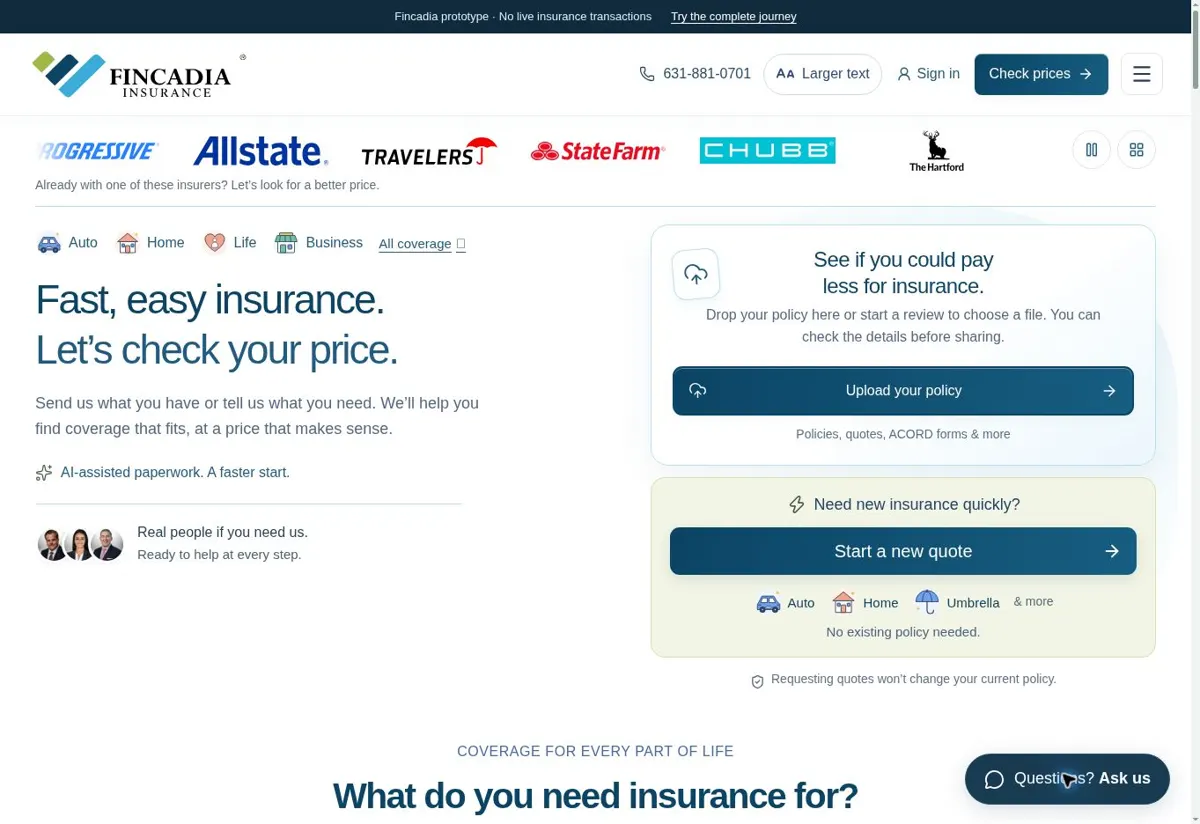
Insurance help menu
Open “Questions? Ask us” on the homepage to find an advisor, request a call or start with an existing policy.
Explore this screen →
Insurance agencies and advisor teams
Let a prospect compare coverage, review an existing policy and prepare an application with an advisor.
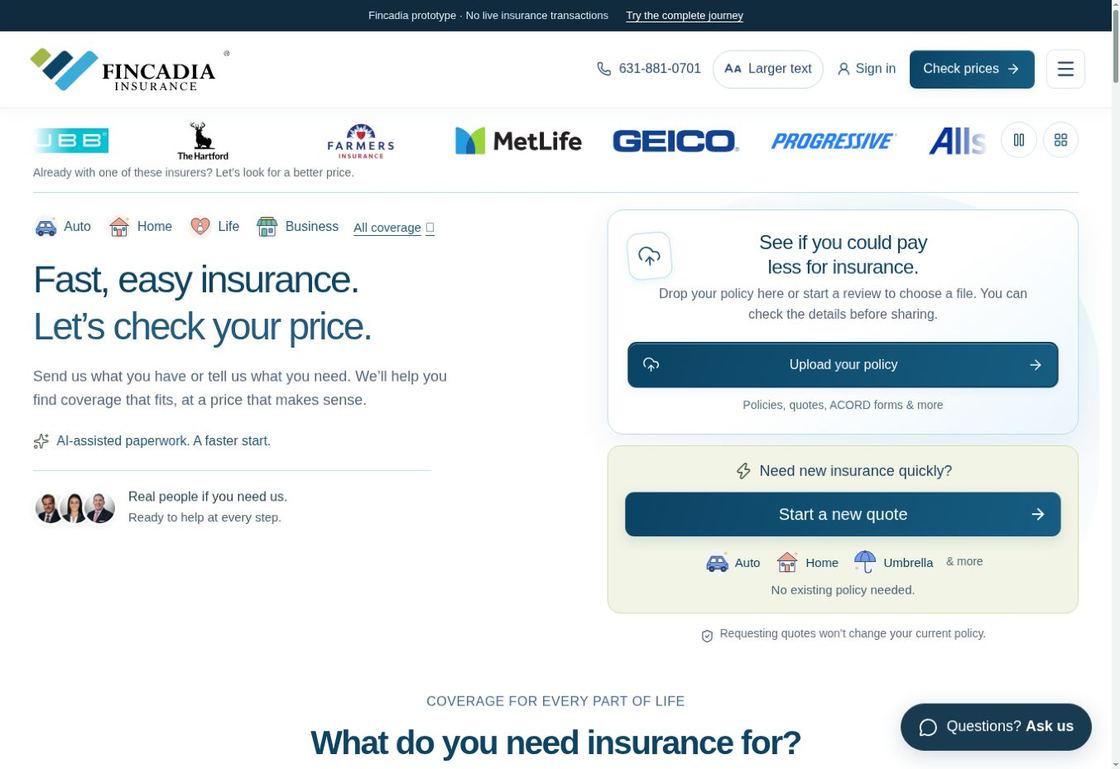
Product tour
Open “Questions? Ask us” on the homepage to find an advisor, request a call or start with an existing policy.
Explore this screen →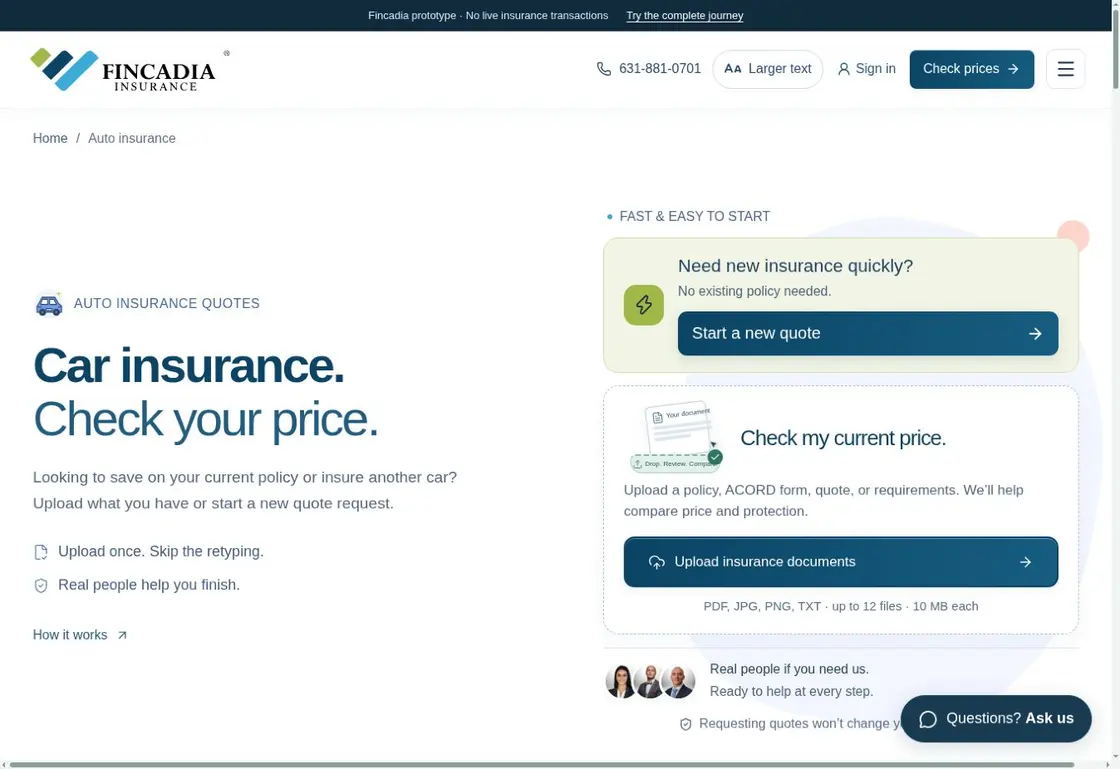
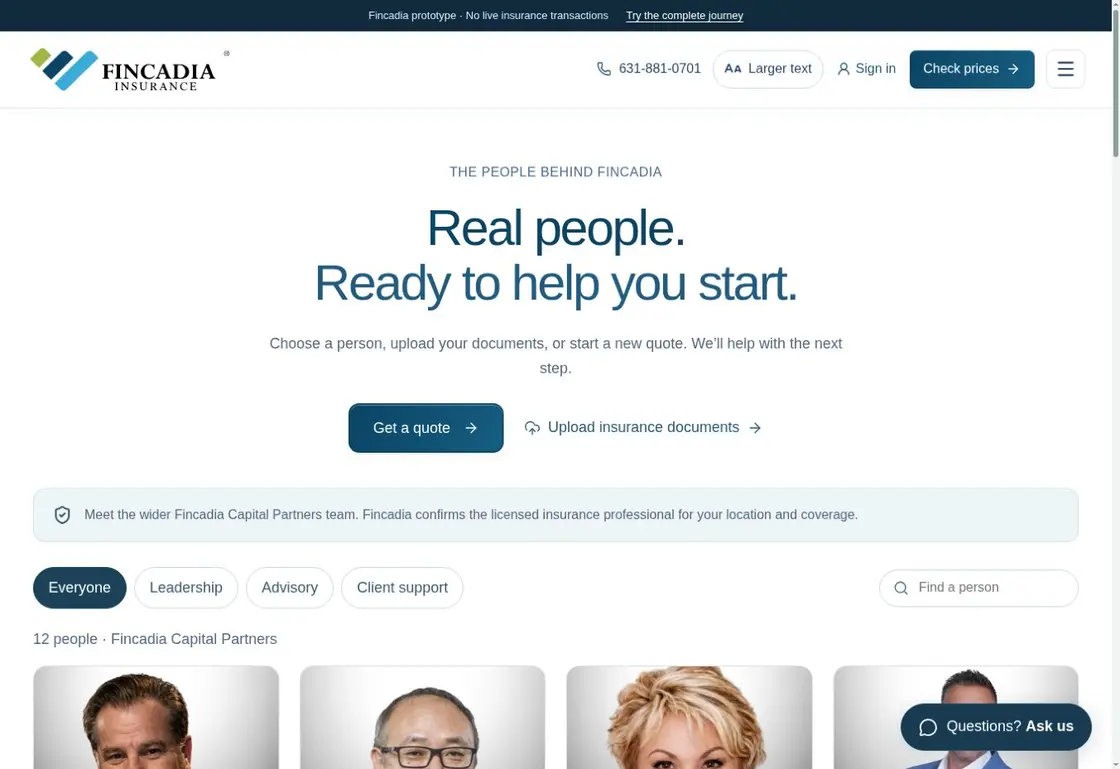
The business owner’s side
Start a private project, review the customer experience on desktop or mobile, and edit the site before launch. In HQ, you can brief specialist Commandos and review their proposed work.
When you’re ready for customers, the launch checklist below identifies the accounts and services your business needs.
See this template’s launch checklist →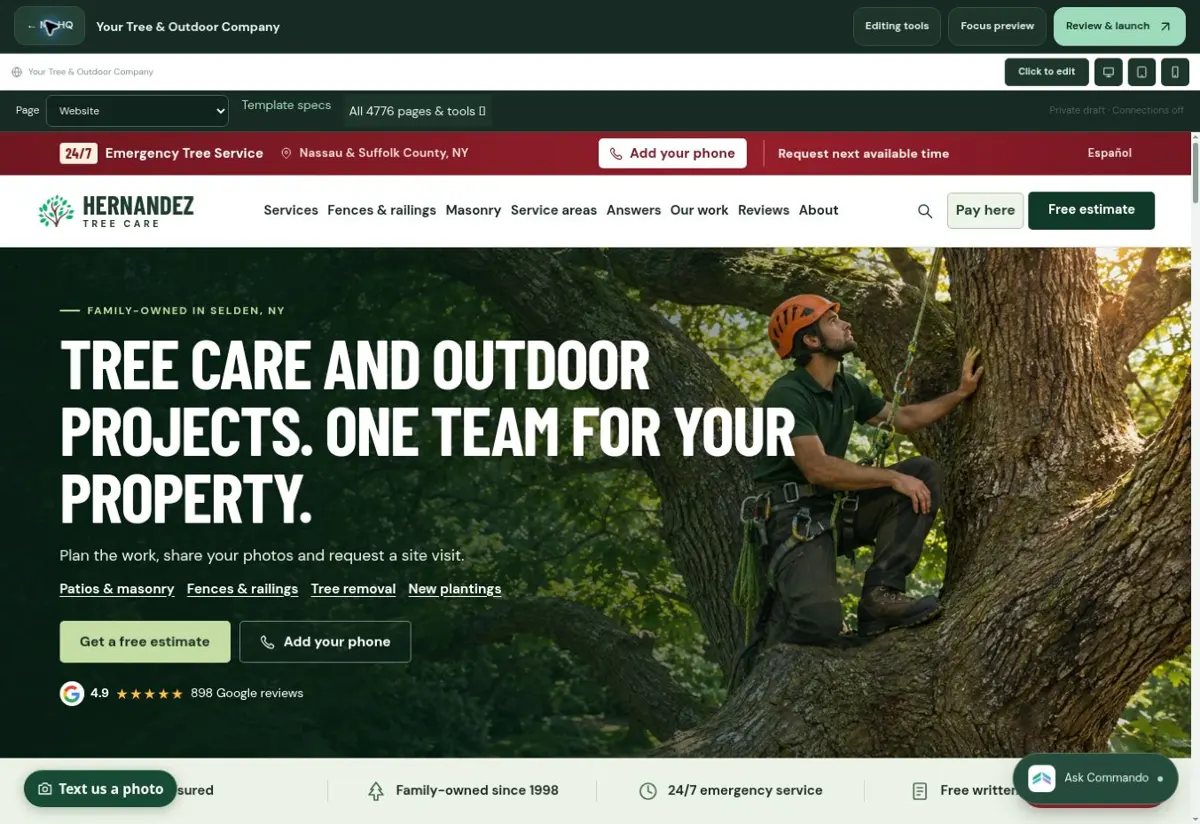
The website
Counts include distinct pages and tools in the example site. Your service area and content determine the size of your copy.
From the customer’s side
An appointments page supports an advisor meeting. Connect agency scheduling and notifications before using it for real appointments.
The customer journey covers quoting and applications. Premium collection needs a separate carrier or merchant integration.
Discovery
Individual coverage guides and advisor profiles give product and advisor searches dedicated pages.
FAQs and policy explainers address common questions before the guided intake.
A public AI discovery page describes coverage and agency resources for assistants.
Before going live
The preview uses example content. Your team activates its own accounts when it launches.