Commando HQ

Residential agents and brokerages

Haven & Field · Real Estate

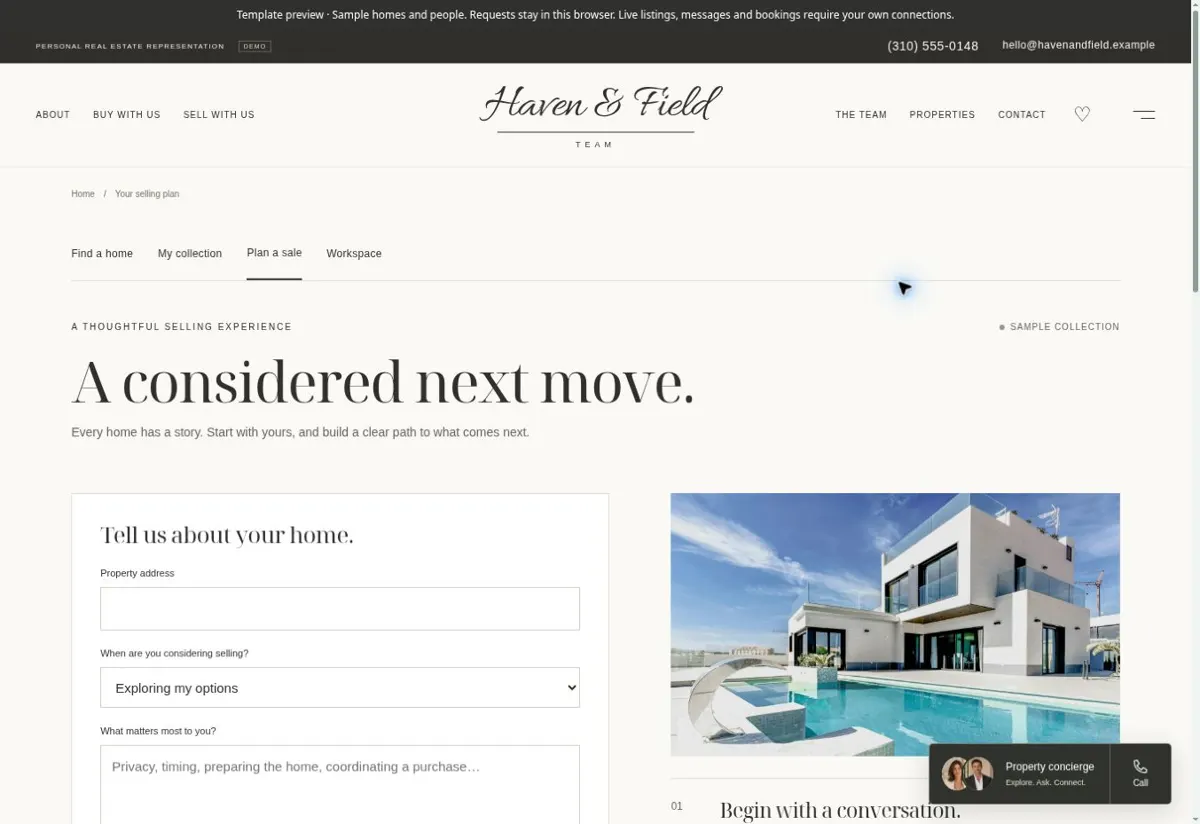
Let buyers save homes and sellers request an evaluation, then route each conversation to the right agent.
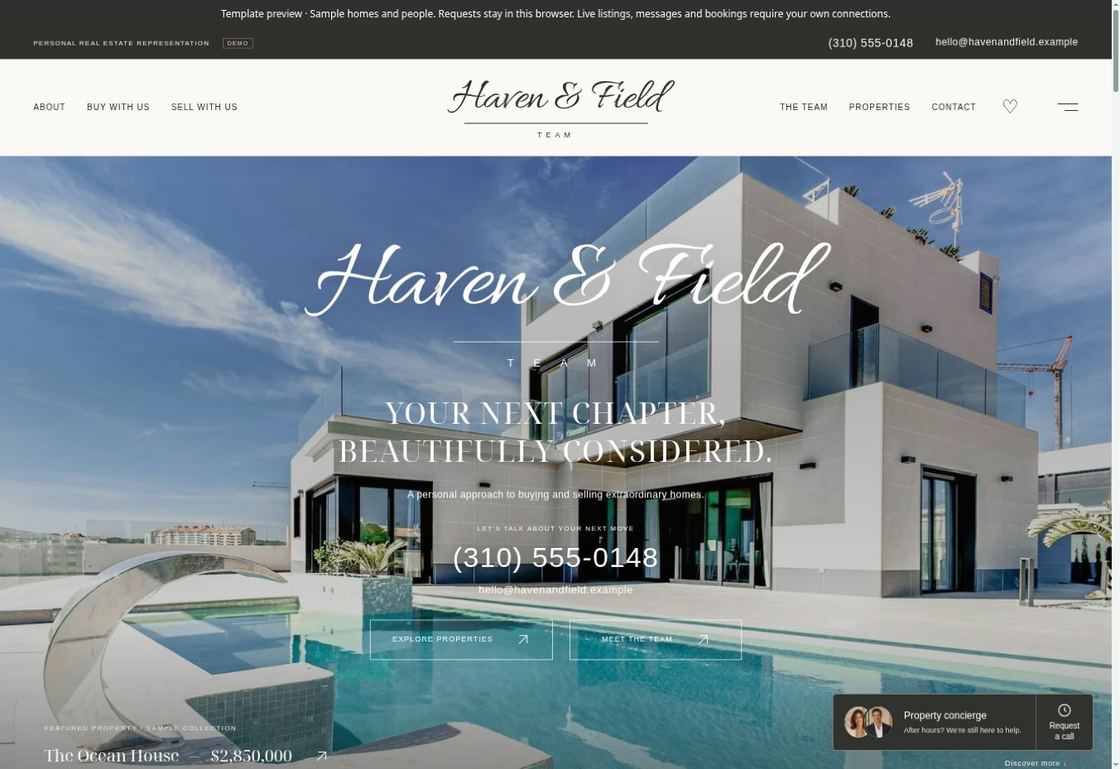
Homepage preview
Haven & Field · Real Estate homepage
Pages in the example
56
Featured destinations
13
Editable source files
226

Product tour

See what your customers can do

Explore 13 featured destinations

The business owner’s side

Your team’s HQ

Start a private project, review the customer experience on desktop or mobile, and edit the site before launch. In HQ, you can brief specialist Commandos and review their proposed work.

When you’re ready for customers, the launch checklist below identifies the accounts and services your business needs.

See this template’s launch checklist →
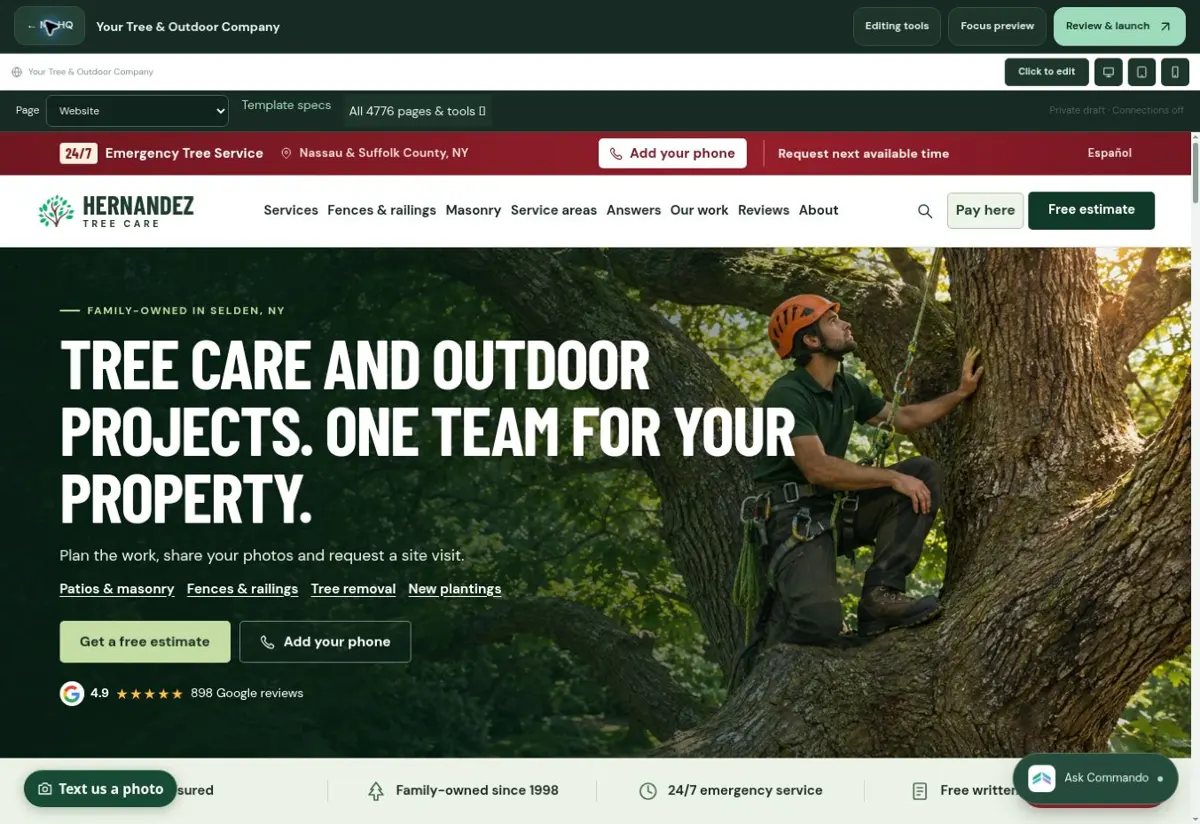
A private Hernandez project open in the Commando HQ site editor
The project editor, shown with a sample tree care business.

The website

What’s included

  • 56 original pages with editorial design, property imagery and agent portraits
  • Sample property search, filters, saved homes and collection notes
  • Buyer, seller, home evaluation, viewing, callback and inquiry demonstrations
  • Agent profiles, social and video configuration, neighborhoods and guides
  • Recruiting, referrals, newsletter preferences, media and local search pages
  • Browser-only inquiry and follow-up workspace isolated for each customer copy
  • Original editable source, contact API, database schema and tests
Page count breakdown

Counts include distinct pages and tools in the example site. Your service area and content determine the size of your copy.

properties
6
buy
5
sell
5
team
5
announcements
4
Other pages and tools
31

From the customer’s side

How a visit unfolds

  1. Browse homes or explore selling
  2. Save a property or request a valuation
  3. Choose an agent and request a conversation
  4. Follow up on the viewing or seller appointment

Appointments & follow-up

Viewing, consultation and callback requests enter the example inquiry workspace. Connect agent routing and calendars to confirm visits.

Invoices & payments

The included journeys cover inquiries, viewings and valuations. Escrow deposits and invoice payments need a separate system.

Discovery

Search & AI visibility

Search engines (SEO)

Agent profiles, neighborhood pages and buyer and seller guides give local searches focused destinations.

Answer engines (AEO)

FAQs and neighborhood resources answer questions about the buying, selling and viewing process.

Generative engines (GEO)

Public agent, neighborhood and service descriptions give assistants place and practice-area context.

Before going live

What you connect

  • Replace fictional branding, contacts, agents, licensing, listings and market content
  • Connect authorized MLS/IDX data or approved listings before advertising inventory
  • Provision customer-specific hosting, storage, authentication and agent permissions
  • Connect and verify email, SMS, calendar and agent lead routing before accepting live inquiries
  • Review property imagery rights, disclosures and privacy before enabling indexing

The preview uses example content. Your team activates its own accounts when it launches.

Use this templateBrowse all templates